DE
1. Introduction
8
Introduction
1.
1. Introduction
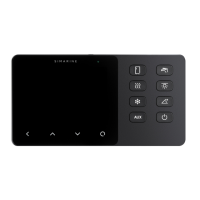
Congratulations on your purchase of the VIA, formerly known as Caravan Control Panel.
VIA is a device used to control appliances and monitor DC power sources such as batteries, inclinometers, tanks, and solar
panels of your caravan.
The information is displayed on a large 3,5” high resolution IPS display with Gorilla® Glass and anti-reflective coating to ensure
superior visibility. It comes with 8 control buttons prepared for the convenience of the user.
VIA is capable of monitoring up to 6 batteries, 14 tanks, 14 temperatures, and 20 independent current sensors (shunts) as well
as controlling 2 relay switches. It is equipped with a Wi-Fi module to communicate with the application available for Android™
and iPhone® smartphones. The app allows accessing live data, analyzing saved data, configuring the panel, and performing a
firmware upgrade of the system.
1.1
About
In this manual we will show you how to install the Caravan Control Panel and configure the settings.
For information on how to setup the SPDU-52, please check the SPDU-52 manual.
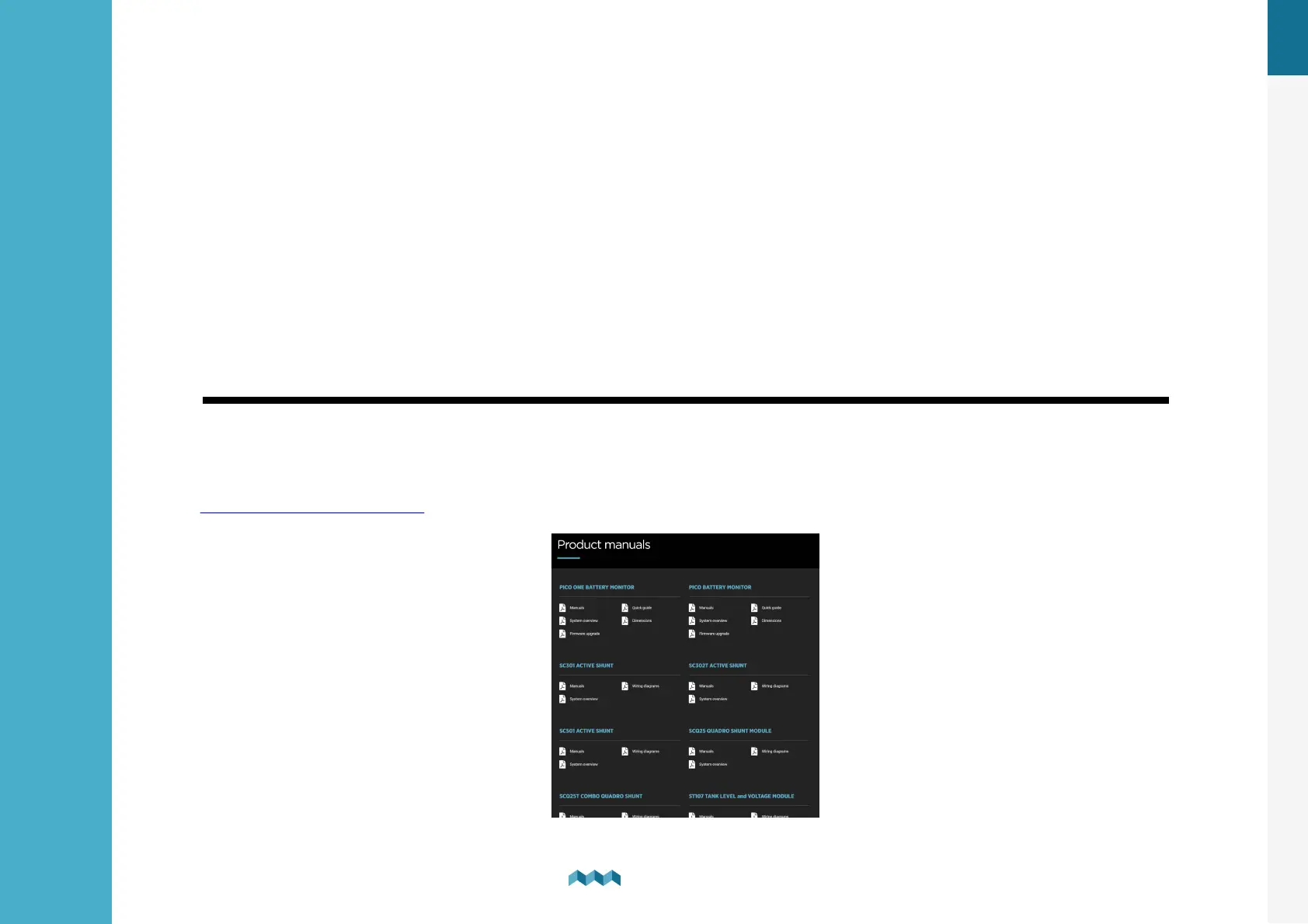
You can find more information on other shunts, modules installations, and devices on the website:
https://simarine.net/manuals


 To Next Page