DE
6. Basic Setup
29
Basic Setup
6.
6.5
Tank configuration
The VIA shows all properly configured tanks. Each correctly configured sensor will automatically show up on the VIA. The
following section describes how to set up a sensor on the VIA.
6.5.1
Adding a new tank
After connecting a tank sensor to an appropriate module (ST107, SC303/503, SCQ25T) input, you can configure the tank by
following these steps:
In the settings menu, navigate to DEVICES > TANKS. Select "Add new" and fill in the requested data:
·
NAME - Name the tank accordingly
·
TYPE - Select the tank type (WATER, FUEL, WASTEWATER), which defines the color of the tank on Pico’s screen.
·
SENSOR TYPE - Select the used sensor's type (RESISTANCE or VOLTAGE)
·
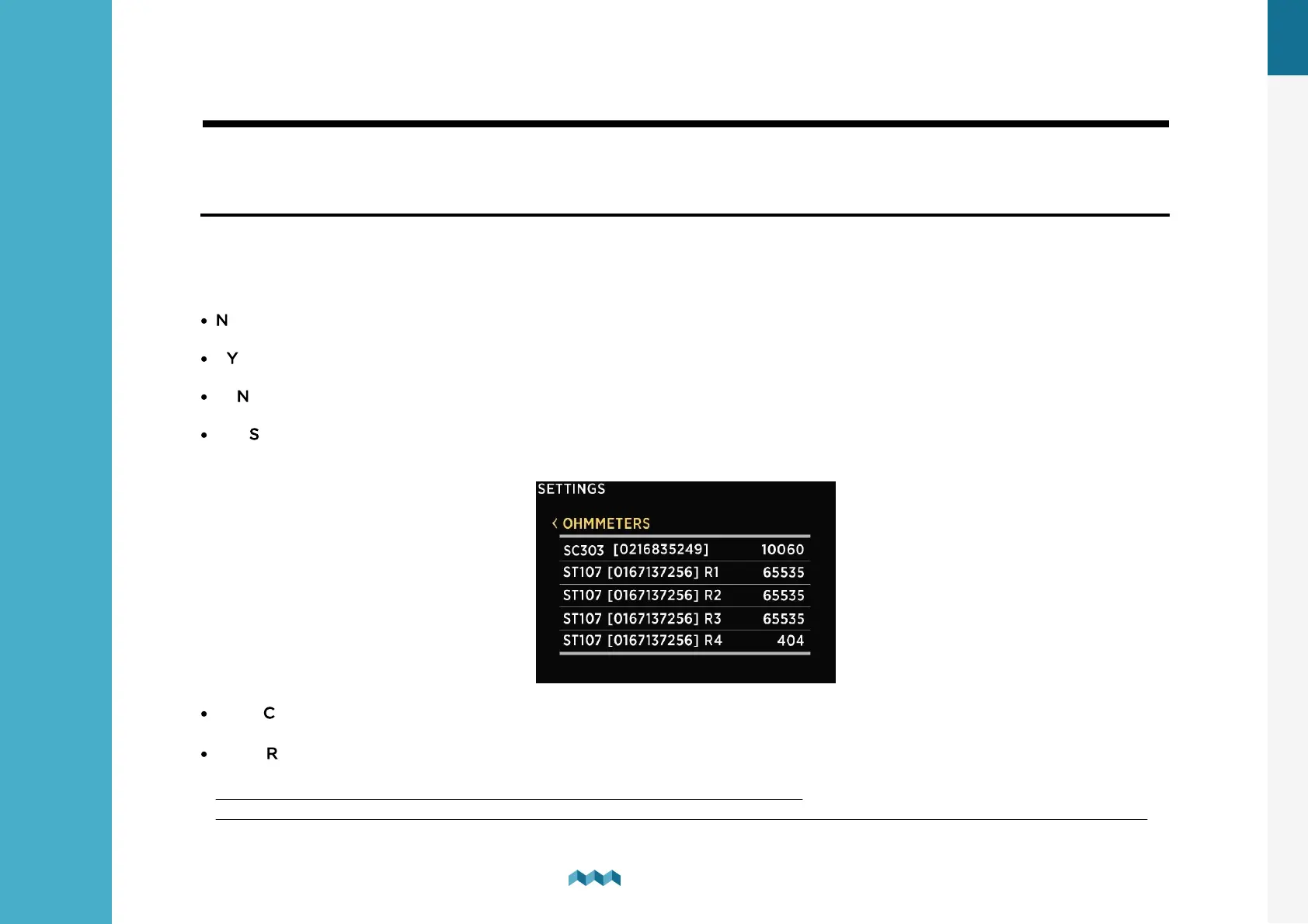
SENSOR - Select the used sensor input from the Only resistance/voltage inputs that are not already used elsewhere in the
configurations will be displayed on the screen.
·
CAPACITY – Input the full tank capacity.
·
CALIBRATION POINTS – Add calibration points for different tank levels. For a proper configuration at least two
calibration points are required.
For square shaped tanks we suggest two calibration points (full and empty).
For irregular shaped tanks, we suggest you input a third (the middle) point. The rest will be calculated by PICO on the fly.


 To Next Page