DE
6. Basic Setup
21
Basic Setup
6.
6.1
VIA buttons
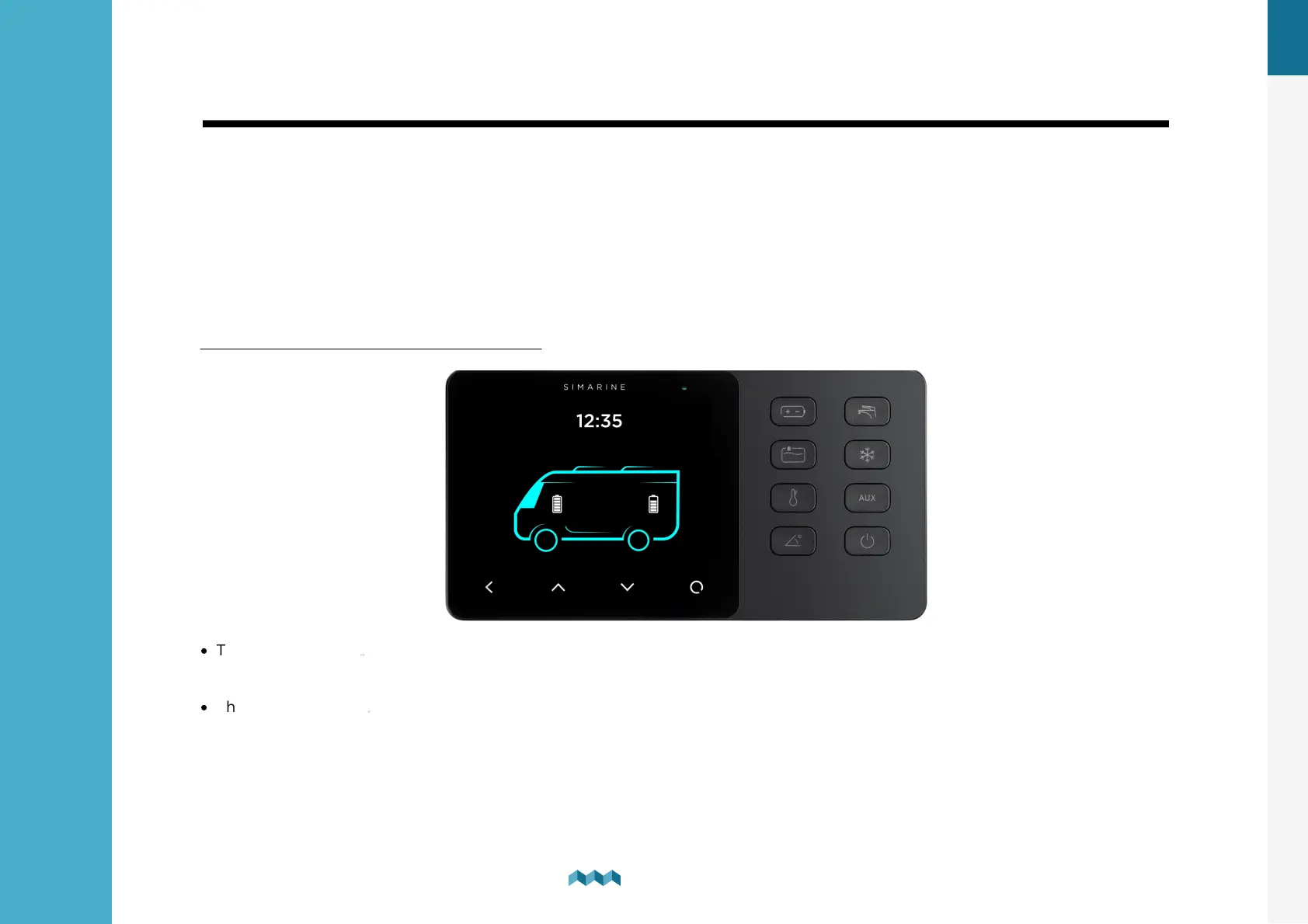
You can enable different devices connected to the SPDU-52 by pressing the button with the corresponding symbol on the VIA
(e.g. pressing the lights button will turn on the lights). You can also switch between different screens by pressing the arrow
buttons on the touch screen.
There will be a separate screen for each battery with at least one connected current sensor (shunt).
Multiple batteries without a current sensor (measuring voltage only) may be combined on a single screen.
Up to four tanks and four thermometers will be combined on a single screen. If there are more, they are divided into two or
more screens.
Note: The button will glow when enabled.
·
The Fridge button is configured on the SPDU-52 as the first button by default (K1 on the cover scheme). Pressing the
button enables the fridge
·
The heating button is configured on the SPDU-52 as the second button by default (K2 on the cover scheme). Pressing the
button enables the heating.
Up to four temperature sensors can be shown on a single screen. If there are more, they are divided into two or more
screens.
For each sensor, you can find its name, graphical representation of the current temperature, and the numerical value of
the current temperature in the chosen unit (°C or °F).


 To Next Page