DE
6. Basic Setup
20
Basic Setup
6.
6. Basic Setup
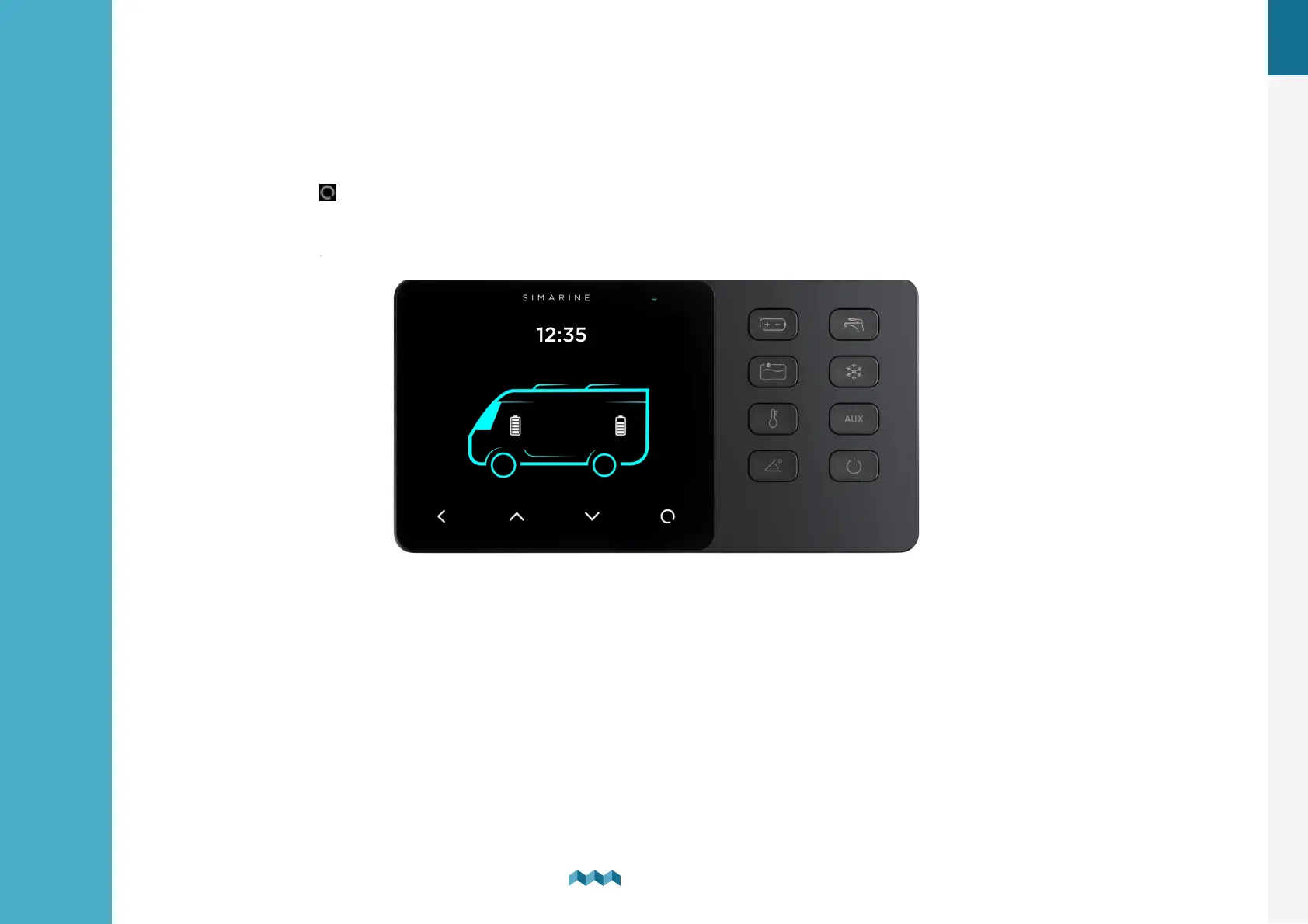
Controlling the menus of the VIA is intuitive and easy to use. All adjustments can be performed by using the four touch
buttons below the screen. Menus and settings in the picture below can differ from the menus and settings on your device
since future firmware upgrades might cause some minor changes of the menus and settings.
Long press the button to enter the settings menu.
Buttons on the right are used to open and navigate through different optional screens faster and easier.
Long press the button to turn on the device.


 To Next Page