16
EN
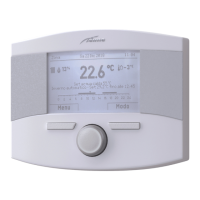
– Once all the displays/modifications have been completed,
press the button
Esc
to go back to the
“main screen”
.
Gi 18 Set 2014Zona 10:30
Menu Modo
Off
TECHNICAL ASSISTANCE CENTRE Menu
m
WARNING
It is useful to enter the TECHNICAL ASSISTANCE
CENTRE references which can then be displayed in
the “Display Menu” and are suggested to the user if
there is a serious fault in the boiler.
To enter the TECHNICAL ASSISTANCE CENTRE references:
– follow the procedure described in section 4.2.3 on page 14
up to the section “go into the submenu”.
– Rotate the encoder
to select the required
submenu“Technical Assistance Centre” submenu.
TECHNICAL
Es
ack
Zone heating [...]
Hot water [...]
Boiler parameters [...]
Reset alarm history [...]
Factory total reset [...]
TECHNICAL
Es
ack
Customer service [...]
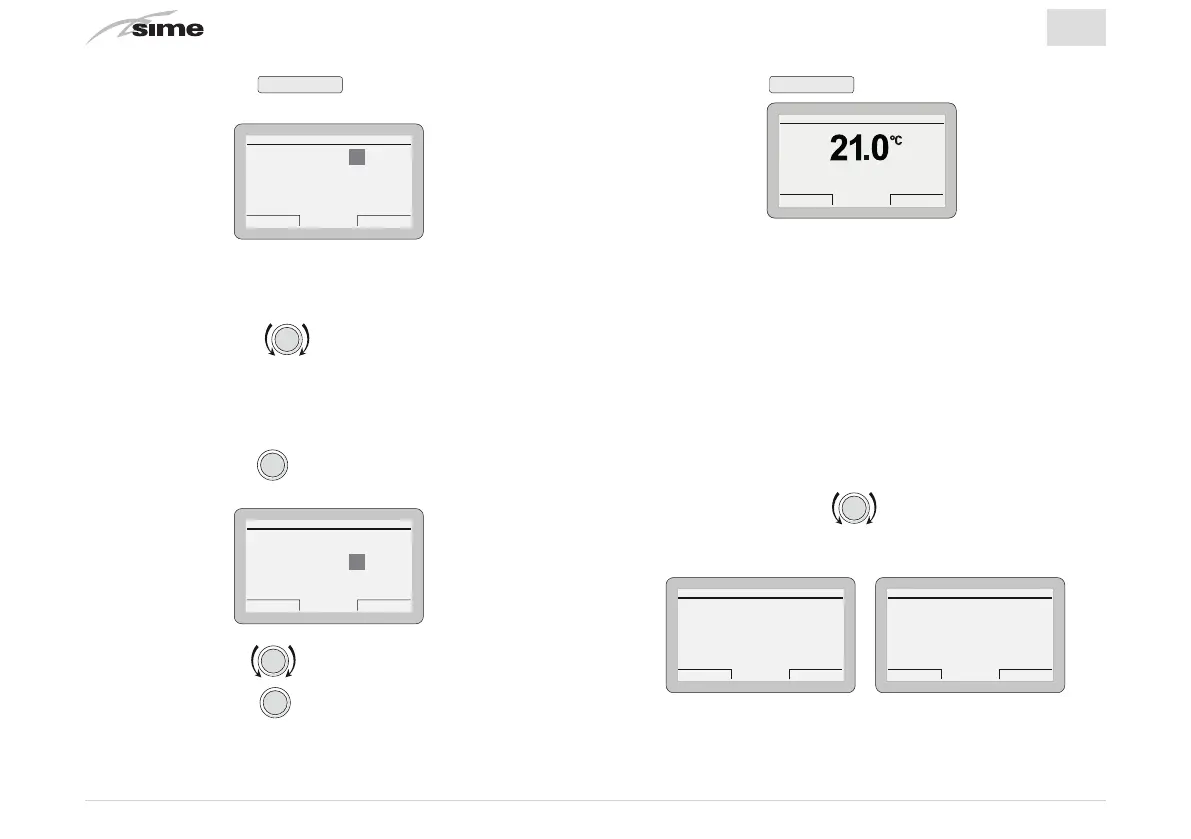
– Or press the button
Confirm
to go into the
“Parameter set-
tings”
area for the boiler
Boiler parameters
Es
ack
Parameter Index: 1
Parameter Value: 0
1--------49
– where
“Parameter index”
refers to the parameter table in the
manual of the installed boiler (eg. 1=tS 0.1 or 1=PAR 01).
– Rotate the encoder to scroll through the list of pa-
rameters and check the value
– If the value of the selected parameter is to be modified:
– Press the encoder
clic
to go into the value modification
area
Boiler parameters
Es
ack
Parameter Index: 1
Parameter Value: 0
1--------49
– Press the encoder to set the new value
– Press the encoder
to confirm the modification and
move on to another parameter.


 To Next Page