23
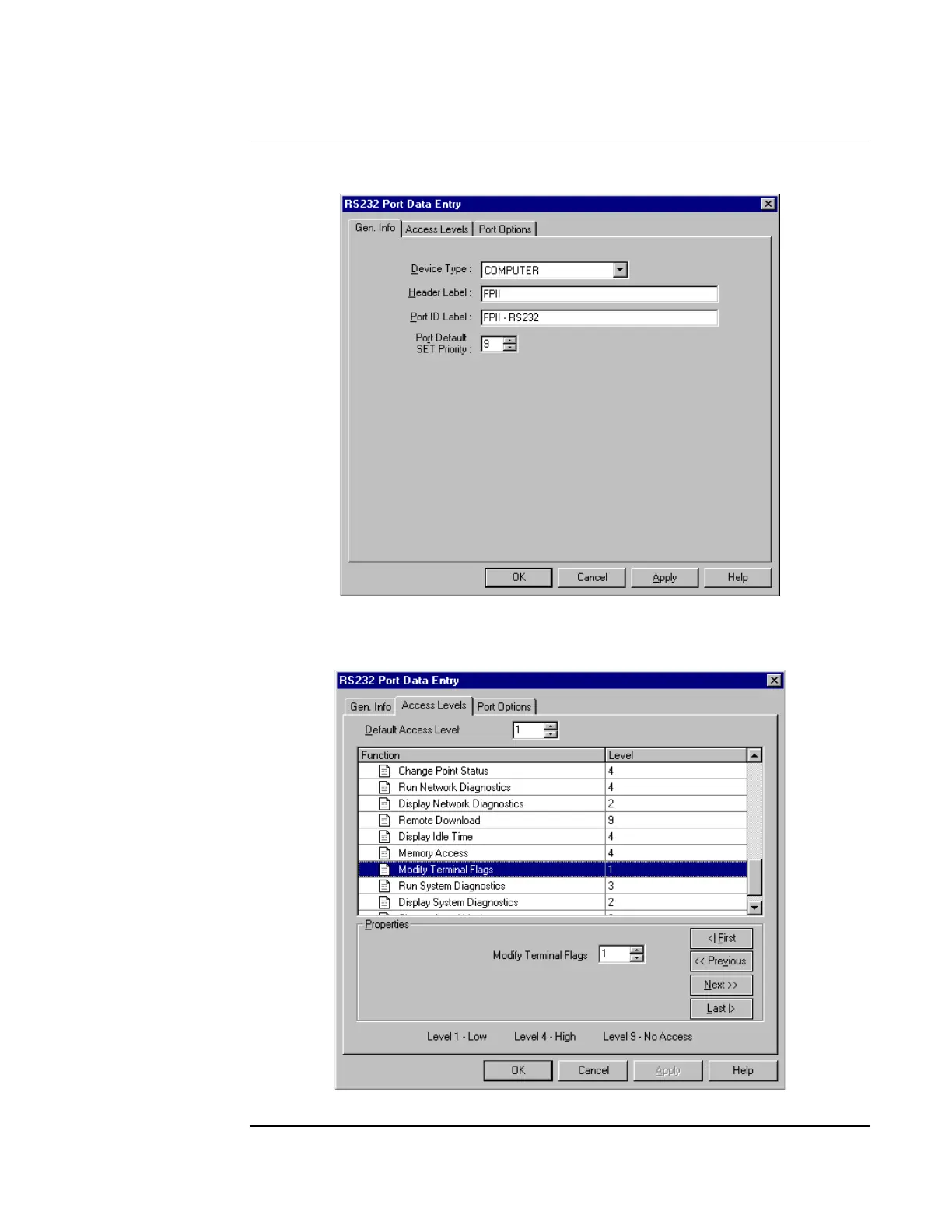
8. Click on the Port Data button to access the RS232 Port Data Entry screen (see Figure 20).
Figure 20. RS232 Port Data Entry Screen
9. Choose Computer for device type, and type in a header label and port ID label. When
done, click on the Access Levels tab (see Figure 21).
Figure 21. Access Levels Option
Continued on next page
Adding the SafeLINC FPII to the FACP via the Programmer, Continued
Using the
Windows-Based
Programmer



 To Next Page