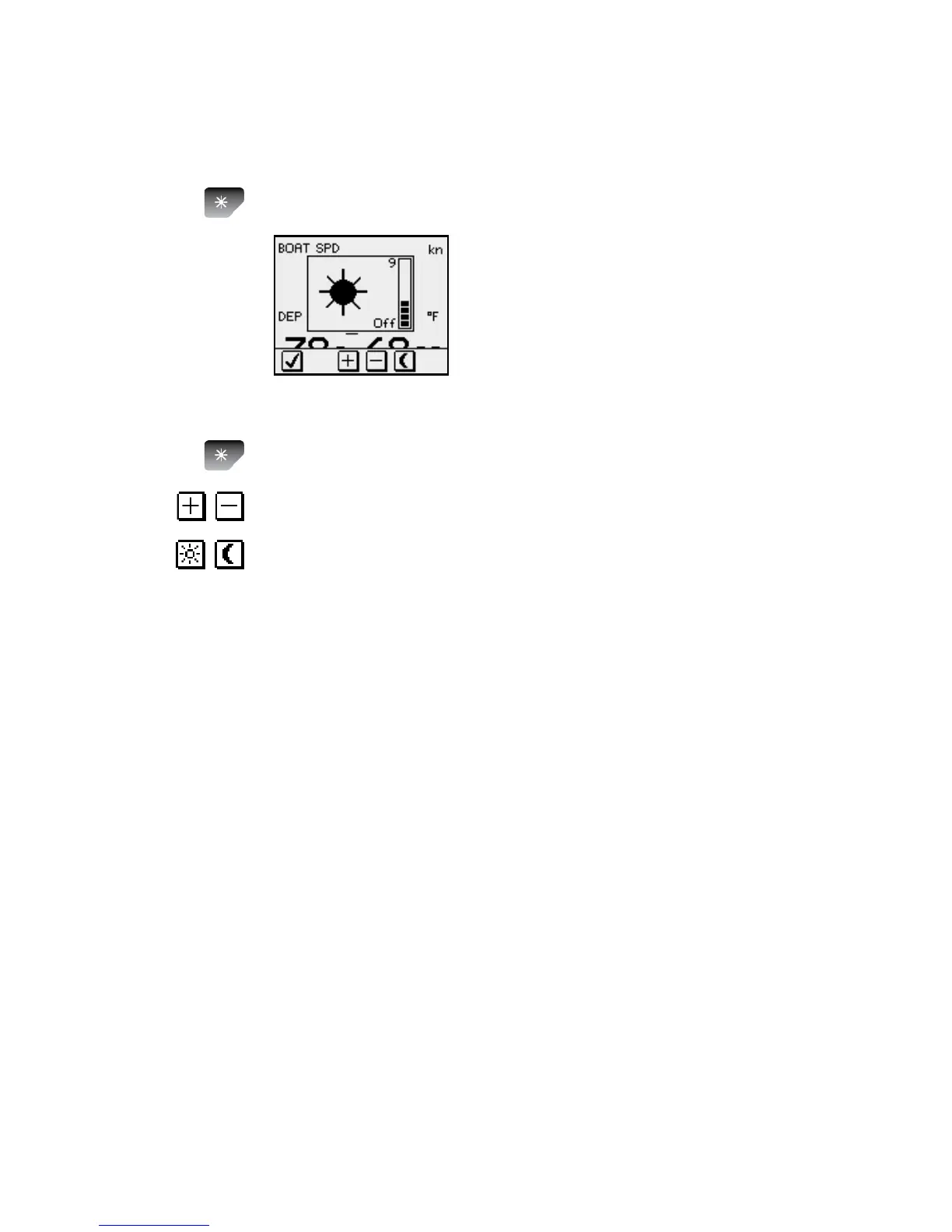
Backlighting
The display backlight may be adjusted at any time.
Press the light key 1
The Light level overlay window will
be displayed on top of the current
view.
Press one of the keys as described below to change 2
the display backlight:
The a Light key to increase the light level by one
step
The b Up/Down softkeys to increase/decrease
the light level by one step
The c Day/Night softkey to toggle between day
and night prole
If no adjustment is performed within 3 seconds, the Light
level overlay window will disappear.
For contrast and day/night settings, refer to Changing
the display settings, page 28.









 To Next Page