Configuration | 47
7 Conguration
First time start-up
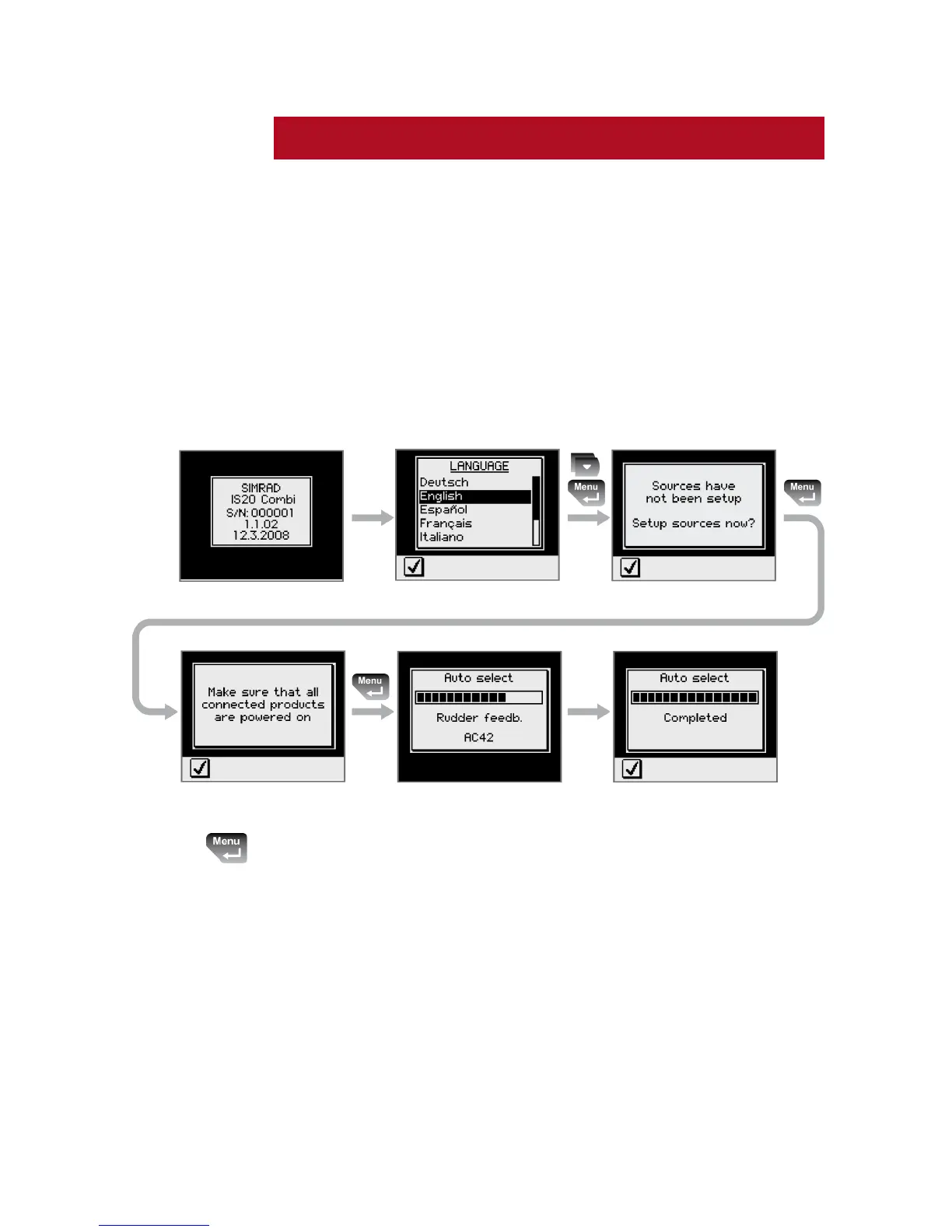
When the IS20 is powered on for the first time, the
instrument will run through an automatic start-up
sequence, presenting:
Product name, serial number, software version, 1
release date
Language selection2
Automatic data source selection3
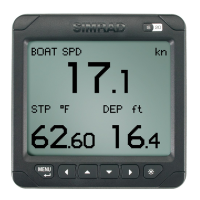
Press the Menu/Enter key when the start-up procedure
is completed. This will change the display to the default
Speed/Depth/Temperature page.







 To Next Page