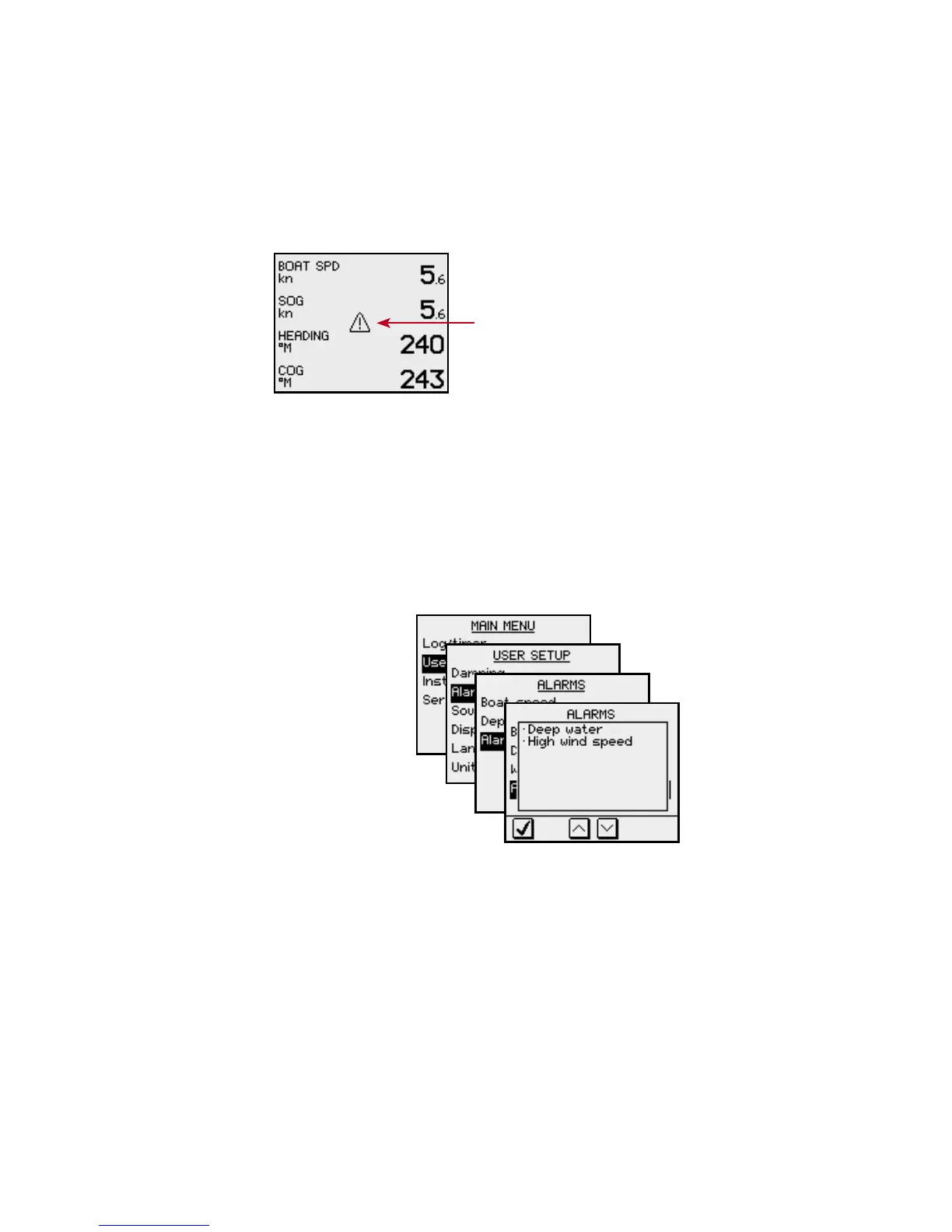
Acknowledging an alarm
An alarm is acknowledged by pressing any key. This will
remove the alarm notification (text, light and sound)
from all units that belongs to the same alarm group.
Refer to SimNet group function, page 30.
A reminder will reappear at given
intervals for as long as the alarm
condition exists.
An alarm received from other SimNet units must be
rectied on the unit generating the alarm!
Viewing active alarms
A list of any existing alarm condition may be displayed at
any time.
Alarm codes
If the alarm is received from other units connected to
SimNet, the alarm text may not be displayed. The alarm
condition will then be indicated in a code.
A description for available codes is listed in the table on
the next page.








 To Next Page