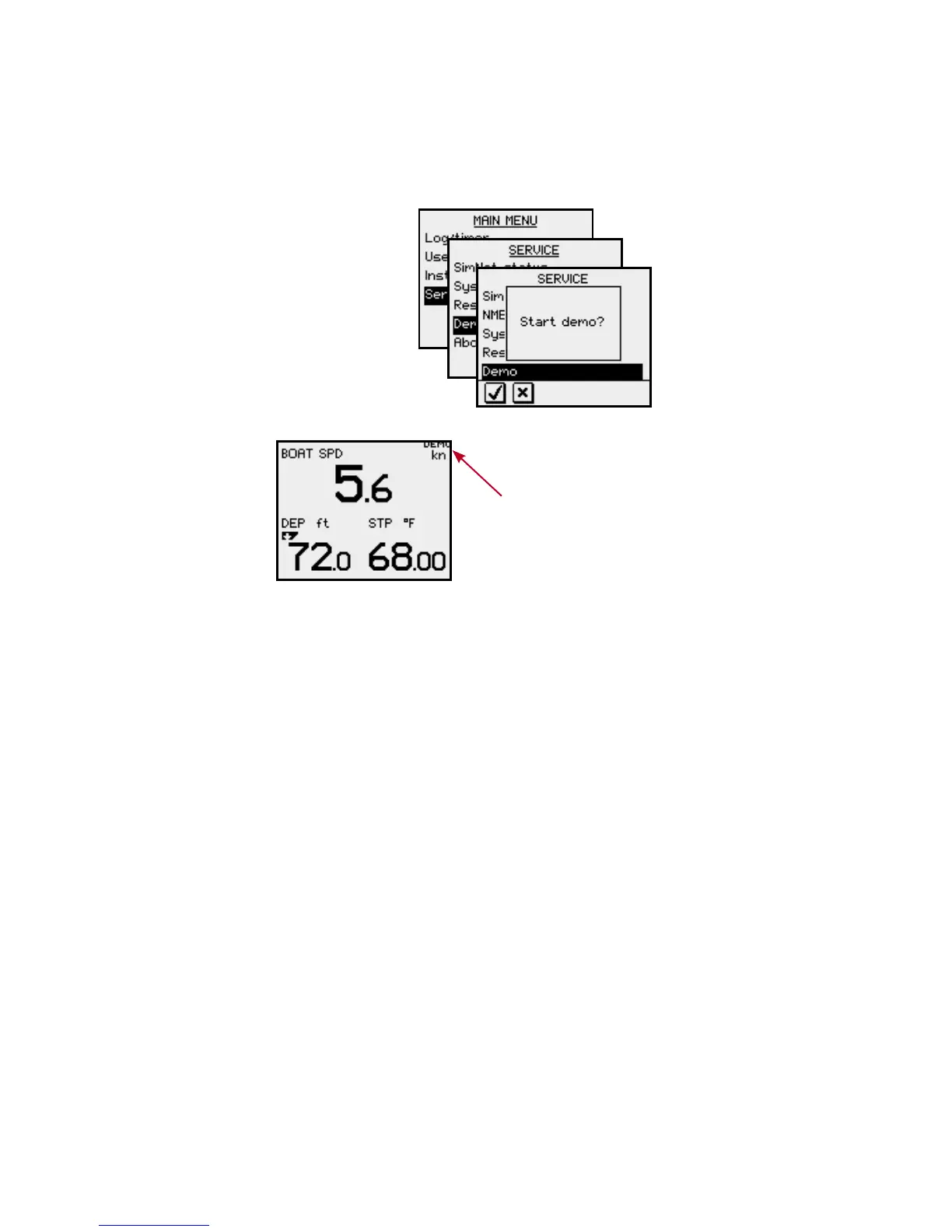
Demo mode
The IS20 includes a demo mode, useful for
demonstrations and on show.
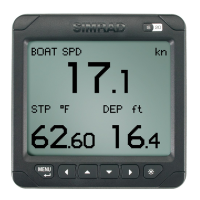
Active demo mode is indicated
with flashing DEMO text in the
upper right corner of the page.
The demo indication will flash
more frequently on the demo
source than on units that are
reading the demo values.
Demo mode is turned OFF by using the menu as
illustrated above. An automatic source selection will then
be performed.
Demo mode must be turned OFF on the same unit where
Demo mode was turned ON!







 To Next Page