2-39
UI Menu Function
2
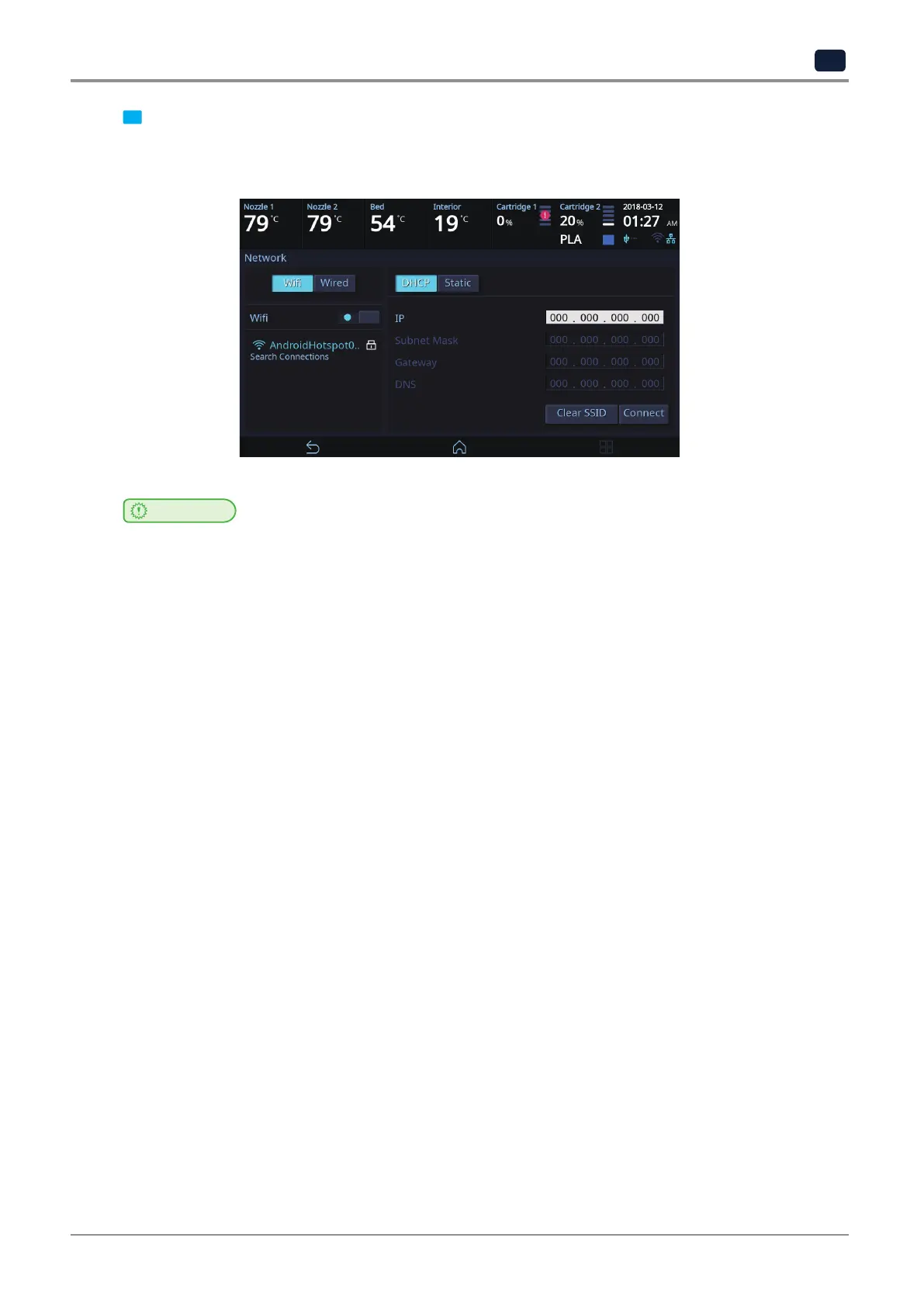
7 Once successfully connected to the selected Wi-Fi, [DHCP] and [Fixed] can be set the same as the wired
setting.
Once set, press the [OK] button to save the setting.
Important
-
Using both network cable and Wifi module together is not recommended for electronic devices which can be
connected to a network. Due to characteristics of network communication, data may not be processed properly
when data is coming in via both wired and wireless network.
Using both wired and wireless network is not recommended for this device.



 To Next Page