16
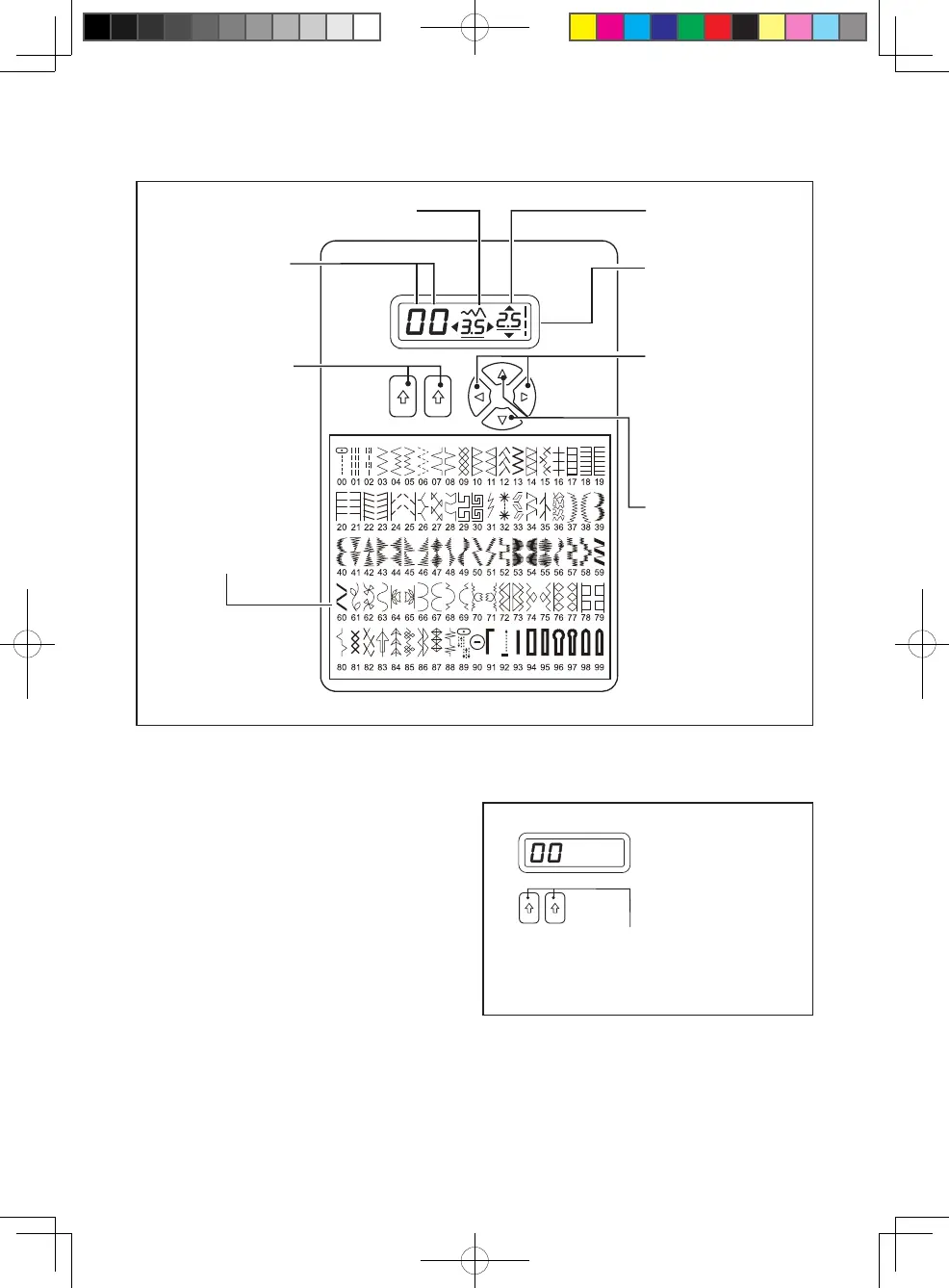
Buttons for pattern number
selection
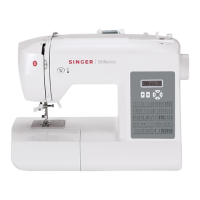
FUNCTIONS OF CONTROL PANEL
PATTERN NUMBER SELECTION BUTTONS
When the machine is turned on, straight
stitch is selected and pop-up screen for
individual preference settings appears on
the LCD display.
To select stitch patterns, use left button
for pattern number selection to select left
digit and right button to select right digit
referring to pattern number reference
guide.
Both left and right digits scroll up to 7.
Stitch length
Manual adjustment buttons
for stitch length
Pattern number
reference guide
Manual adjustment
buttons for stitch width/
needle position
Stitch width/needle position of straight stitch
Buttons for pattern
number selection
Stitch pattern number
LCD display


 To Next Page