Quantum
®
XL-6000
Combination Embroidery
- 31 -
5. The Hoop Pictogram allows the choice of Hoop Size
(large, medium or small), Multi-Hoop or Continuous
Hoop. Touching this Pictogram automatically selects
the default large hoop size.
6. Return to the Edit screen by touching the Pictogram.
7. Touch
Pictogram.
8. The 8 Directional Arrows can be used to move the design position, a touch
at a time.
Note: The design may be quickly moved to the extreme distance
from center, by touching the Pictogram (located just below the
down-arrow key), and then touching the desired direction arrow.
The Pictogram will return the design to the center.
9. Move the design down, just below the center area of the screen.
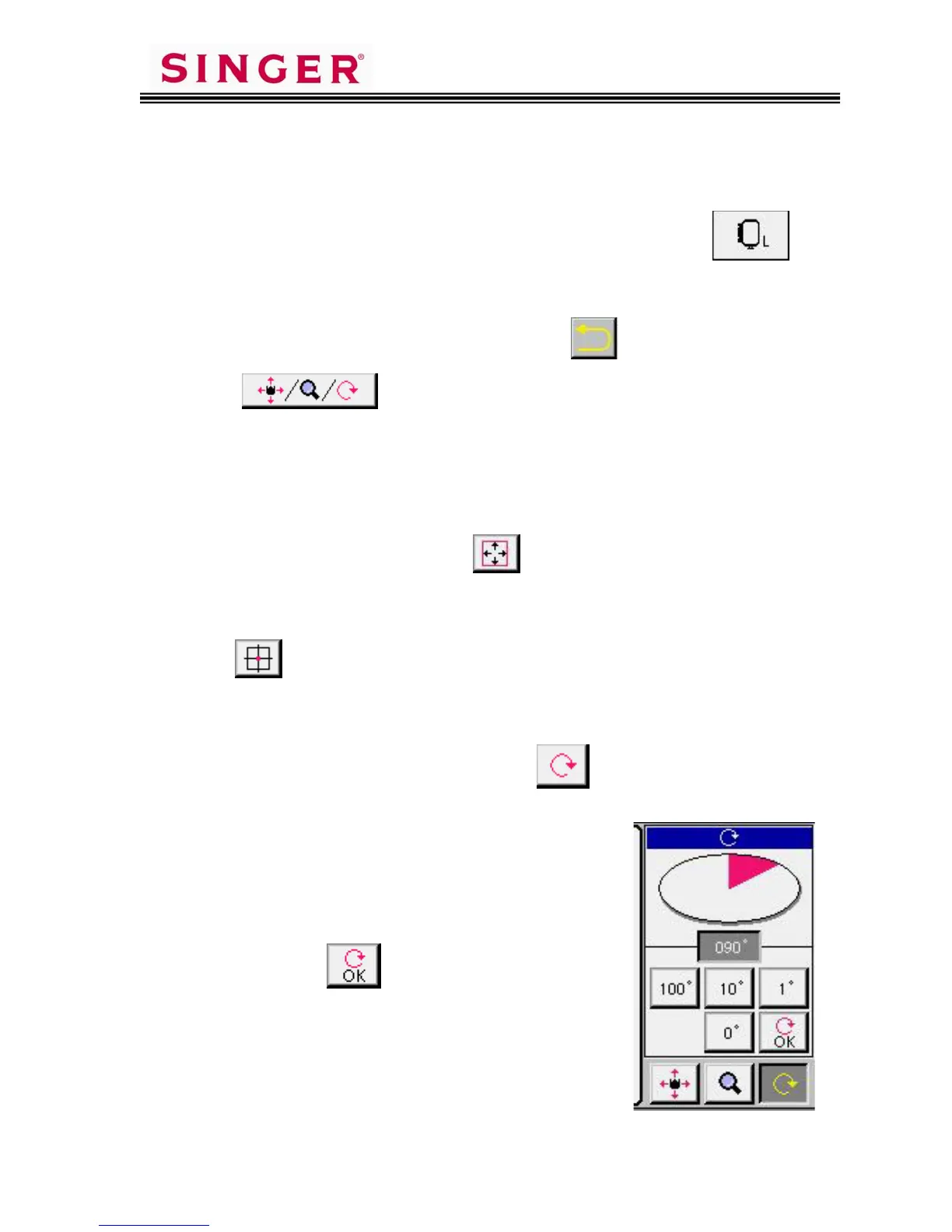
10. To rotate the design, touch the Rotate Pictogram.
11. Designs can be rotated in increments of 100
degrees, 10 degrees and/or 1 degree.
Rotate the design 12 degrees.
(touch: 10 + 2 x 1 degrees),
then touch the Pictogram.









 To Next Page