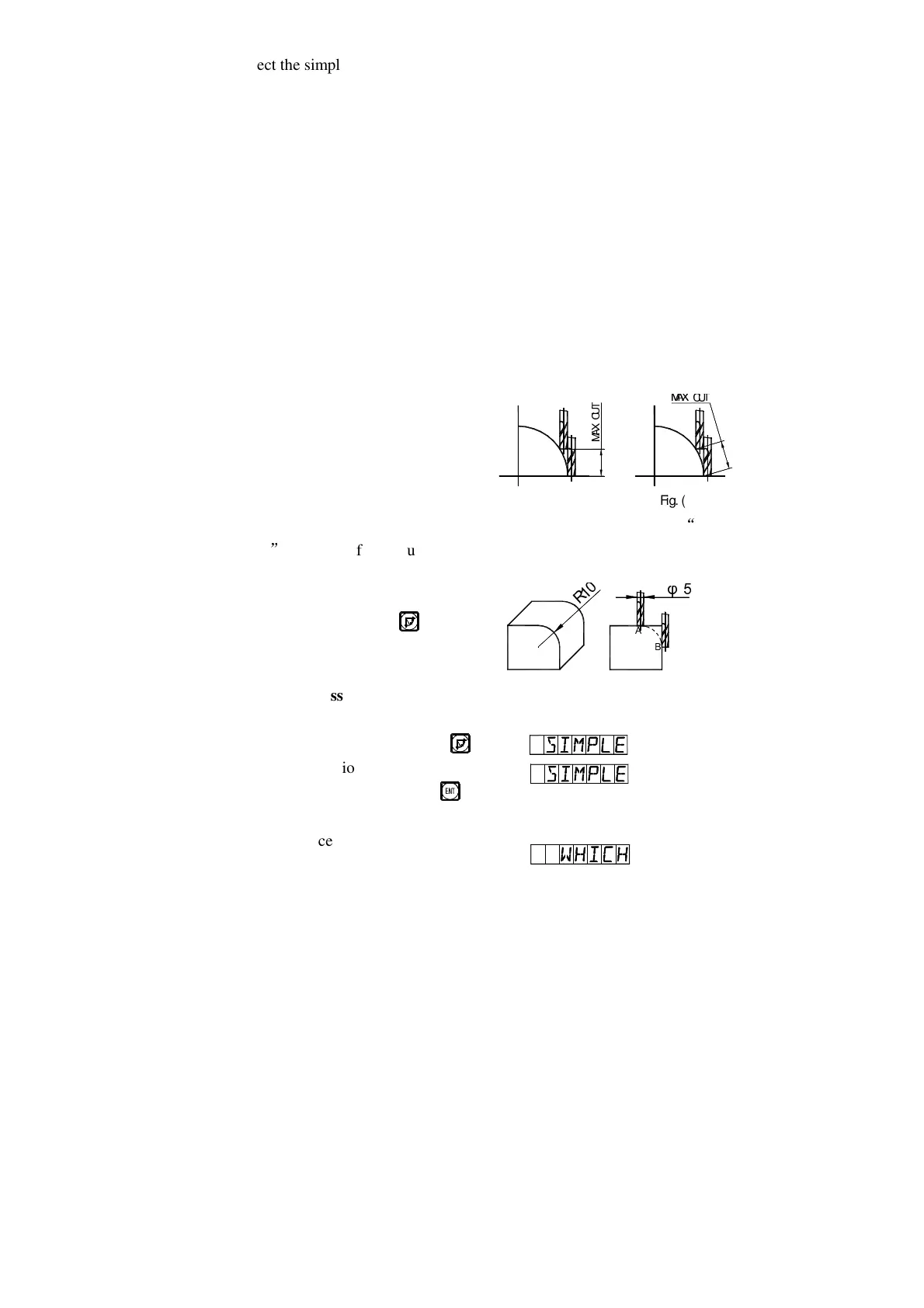
Fig. (a)
þ
ÿ
Fig. (b)
1. Select the simple R function (SIMPLE).
2. Select the processing way among the preset 1 to 8 ways, the prompt:
“WHICH”.
3. Select the processing plane, XY
、
XZ or YZ.
(ARC-XY)
(ARC-XZ)
(ARC-YZ)
4. Enter the of the circular arc (RDDIUS)
5. Enter the diameter of the tool (TL DLA): When processing the arc in Planes
XZ and YZ, end mill is used and the processing in carried by the end edge
of the tool, so the diameter valve to be entered should be zero.(refer to step
5 in the operation procedure of the smooth R function).
6. Enter the maximal cut (MAX CUT):
When processing an arc in Planes XZ
and YZ, “MAX CUT” in the simple R
function is defined as the depth of cut
in each cut feed in Z axis direction
(see Fig. a) the maximal cut can be
changed during the processing. When processing an arc in plane XY,
MAX
CUT
is the cut of each cut feed and is uniform (refer to Fig. b).
7. Implement the processing point by point following the display.
8. You may quit the arc R Calculating
function at will, just key .
*Take the processing of the arc on right as an example.
1) At first, let the tool face just at the start point of
the arc (point A or Point B), key ,
enter ARC function.
Select the simple function key .
2) Select R processing mode.
R
R


 To Next Page