:
4
0
;
<
=
>
;
<
?
@ A
B
C
D
E(10,10)
O(0,0)
3(60,40)
2(70,-40)
1(-80,-30)
mode in memory, once the zero position in the absolute mode changes, the
subsidiary zero position will also change by the same distance and angle.
Ⅱ
ⅡⅡ
Ⅱ. The operator may fully make use this function as the
following:
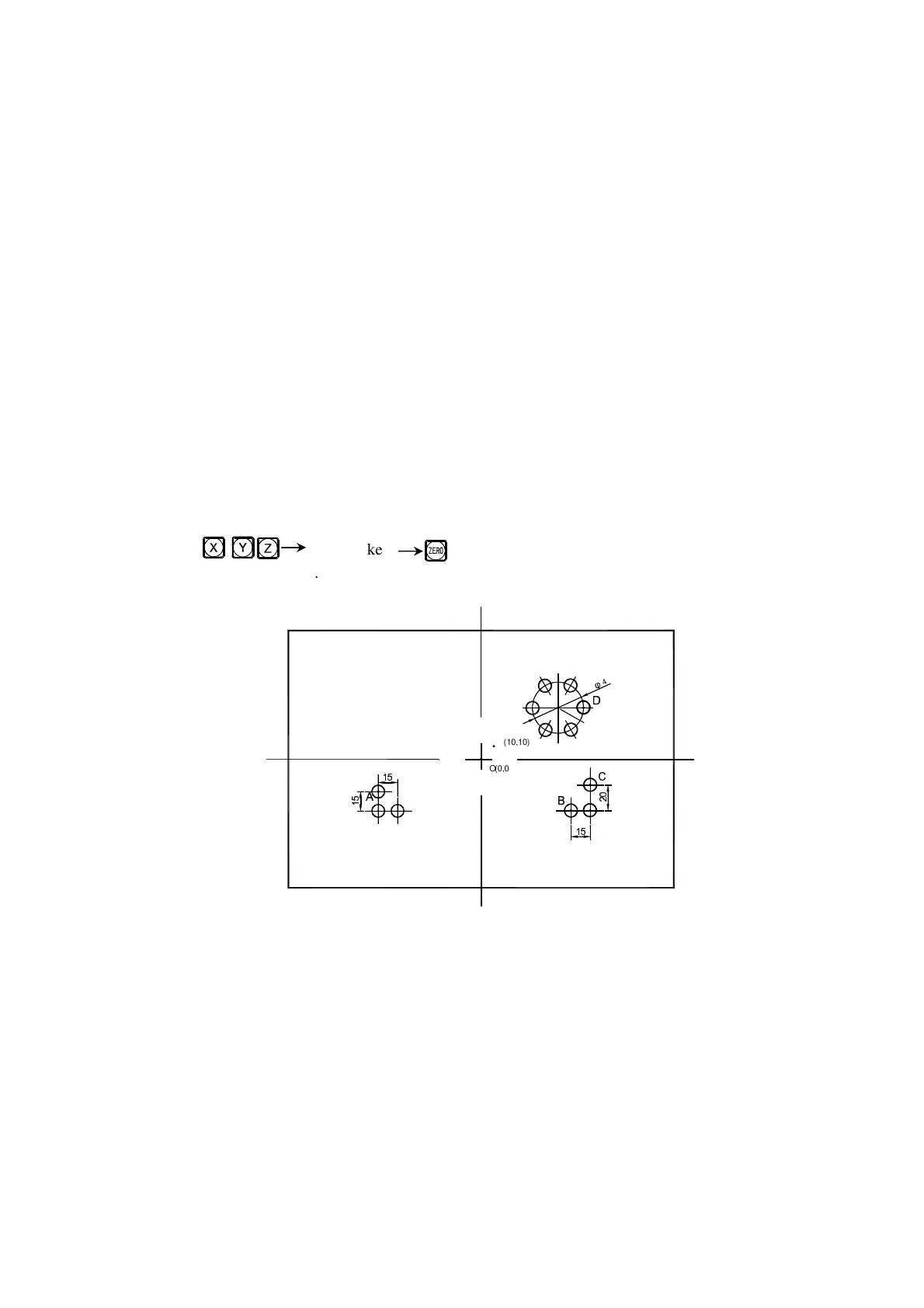
1. Set the zero position in absolute mode (ALE lamp on) at the main reference
point of the working piece, for example, Point O in Fig. (1) in next page.
Set subsidiary zero positions at subsidiary reference points of the working
piece, for example, Points 1, 2 and 3 in Fig. (1). It is possible to enter the
display mode of every UCS taking a subsidiary zero position as its original
points to perform the processing when need.
2. In the display mode of every UCS, processing with various special function
can be performed.
Ⅲ
ⅢⅢ
Ⅲ. The setting of subsidiary zero position
There are two methods of setting subsidiary zero position: the one is
entering the position of the subsidiary zero position directly, the other is
resetting once a subsidiary zero position is reached.
Method 1: Directly Entering, under the UCS display mode, key
Number keys .
Take Fig. (1) as example: After turning the machine on, move the
machine tool to the center point O in Fig.(1), enter the absolute display mode.


 To Next Page