Key
8) Enter processing mode
Key
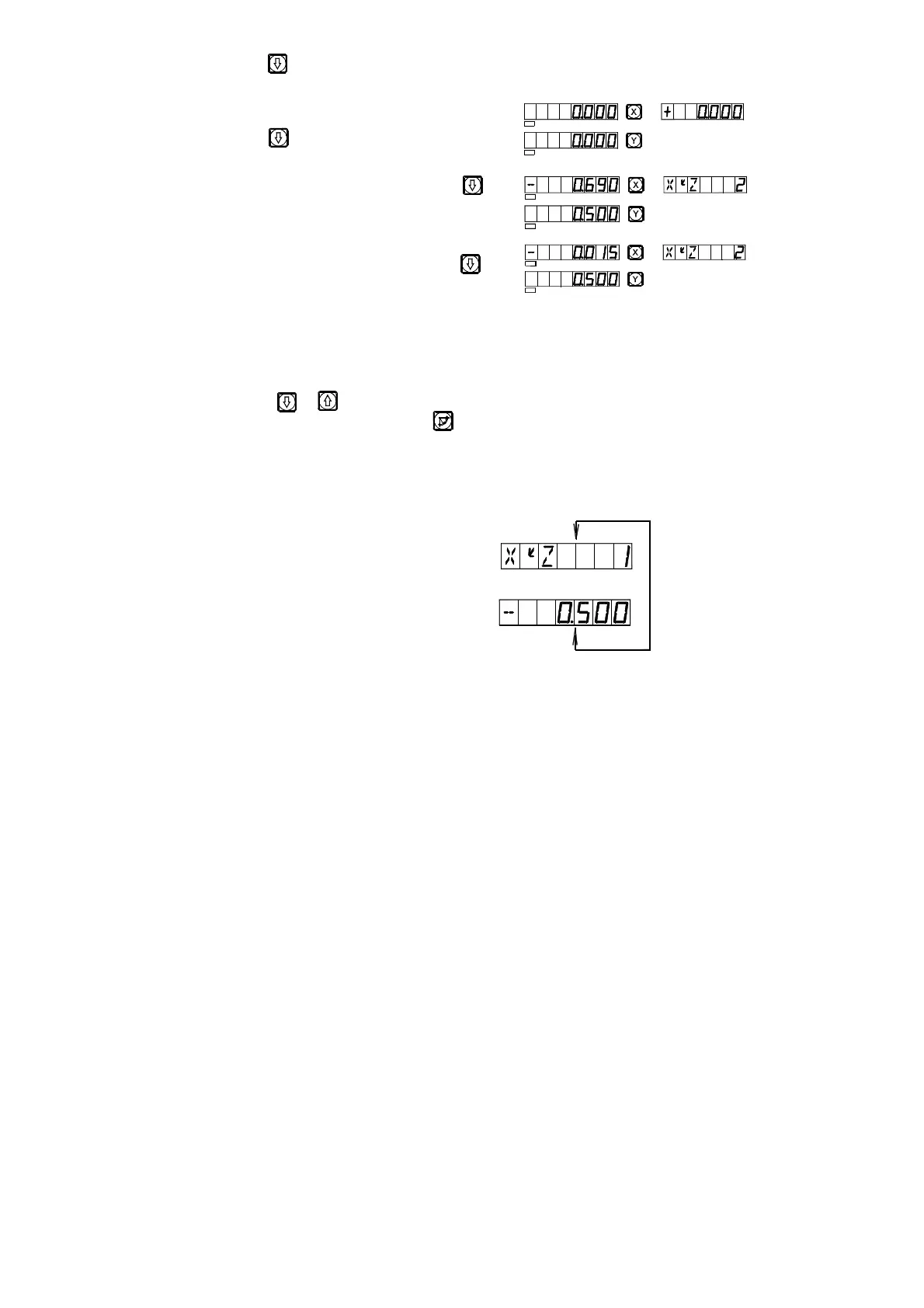
Point A is the start point(0,0), key
Point A is the start point(0,0), key
9) Refer to the display, move the machine tool to bring the displayed valve on
X axis into zero, then turn the Z axis star wheel to let the machine table rise
or drop by the displayed value in Y axis.
10) Key or and the position of next/last point will display. You may
quit ARC function, just key .
Note: After entering processing mode, the number of the processing point
and the accumulated value in Z axis direction will alternately displayed on the
message window.
*Changing the maximal cut
When processing an arc in Plane XZ and YZ, “MAX CUT” is the depth
of cut in Z axis. If the depth of cut in Z axis is uniform, the surface quality of
the arc worked out will be very no uniform. In order to improve the surface
quality of the circular arc processing in Plane XZ and YZ, the operator may
change the maximal cut during the processing to bring a rather uniform
surface quality. When processing an arc in Plane XY, “MAX CUT” is the cut
of each cut feed. By reason of the cut of each cut feed in uniform, the surface
quality of the arc worked out will be controlled to be rather uniform, so, no
R
SEL
SEL
SEL
SEL
SEL
SEL


 To Next Page