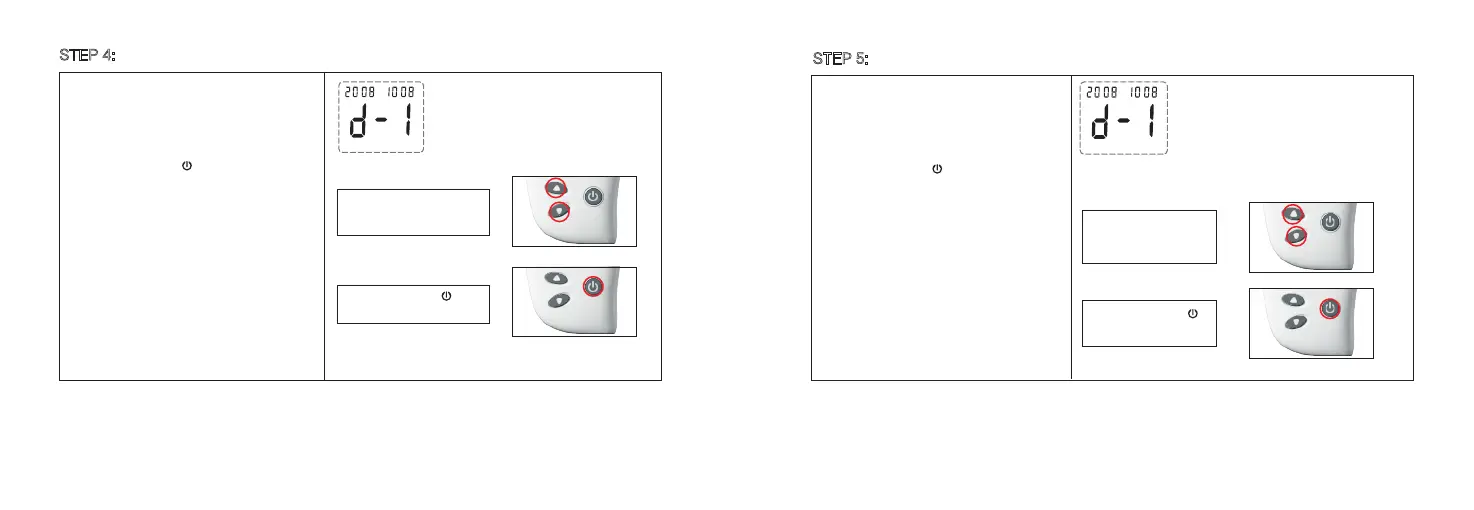
Press and release to
set the Day.
The month appears flashing at the lower left
side of the meter display.
1. Press and release ▼ or ▲ to increase or
decrease the month.
2. Press and release to confirm the month.
The year appears flashing at the top right side
of the meter display.
1.Press and release ▼ or ▲ to increase or
decrease the Day.
2. Press and release to confirm the Day.
Step 1:
Press and release ▼ or ▲
to increase or decrease
the month.
STEP 4: Setting the Month
STEP 5:
Setting the Day
11 12
Step 2:
Press and release to
set the month.
Step 1:
Press and release ▼ or
▲ to increase or
decrease the Day.
Step 2:



 To Next Page