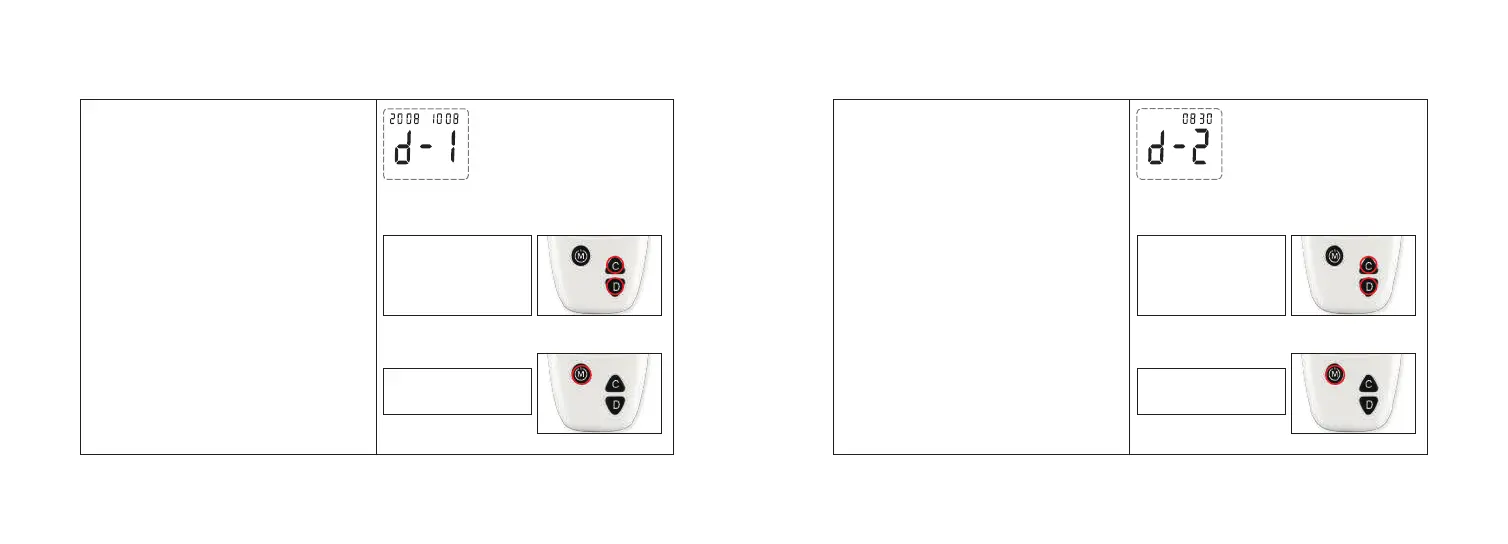
STEP 5: Setting the Day STEP 6: Setting the Hour
16 17
The day appears flashing at the lower left
side of the meter display.
1. Press and release the button “C” or “D”
to increase or decrease the day.
2. Press and release button “M” to confirm
the day.
Step 1:
Step 2:
Press and release “C”
or “D” to increase or
decrease the day.
Press and release “M”
to set the day.
After press the button “M” confirmed the
day, the meter displays “d-2” and enter the
hour and minute setting mode.
1. Press and release button “C” or “D” to
increase or decrease the hour.
2. Press and release button “M” to confirm
the hour.
Step 1:
Step 2:
Press and release “C”
or “D” to increase or
decrease the hour.
Press and release “M”
to set the hour.



 To Next Page