STEP 7: Setting the Minutes
STEP 8:
18 19
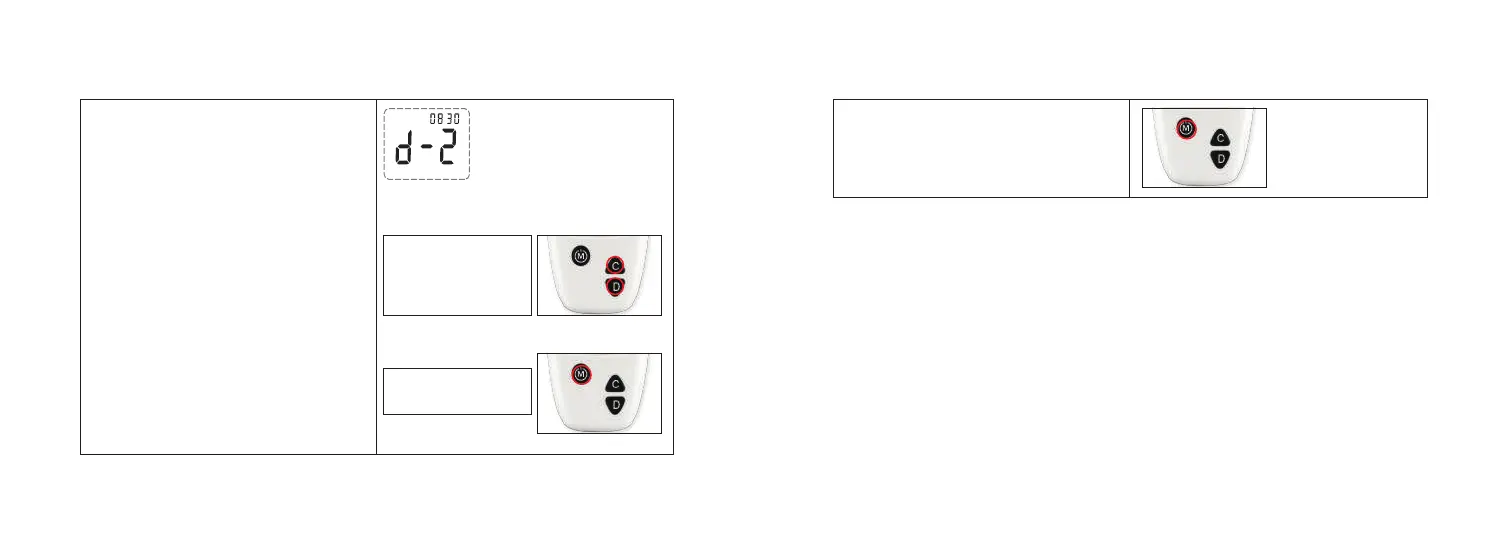
The minutes appear flashing at the lower
left side of meter display.
1. Press and release button “C” or “D” to
increase or decrease the minutes.
2. Press and release button “M” to confirm
the minutes.
Step 1:
Step 2:
Press and “C” or “D”
to increase or
decrease the minutes.
Press and release “M”
to set the minutes.
Press and release button “M”, the date and
time is set and the meter turns off.
Note: Time is displayed in 24 hours format only. If the battery is replaced, it may cause
the date and time to reset.
Resetting the date and time does not change the time stamps of previous test results.



 To Next Page