STEP 3: Setting the Year STEP 4: Setting the Month
14 15
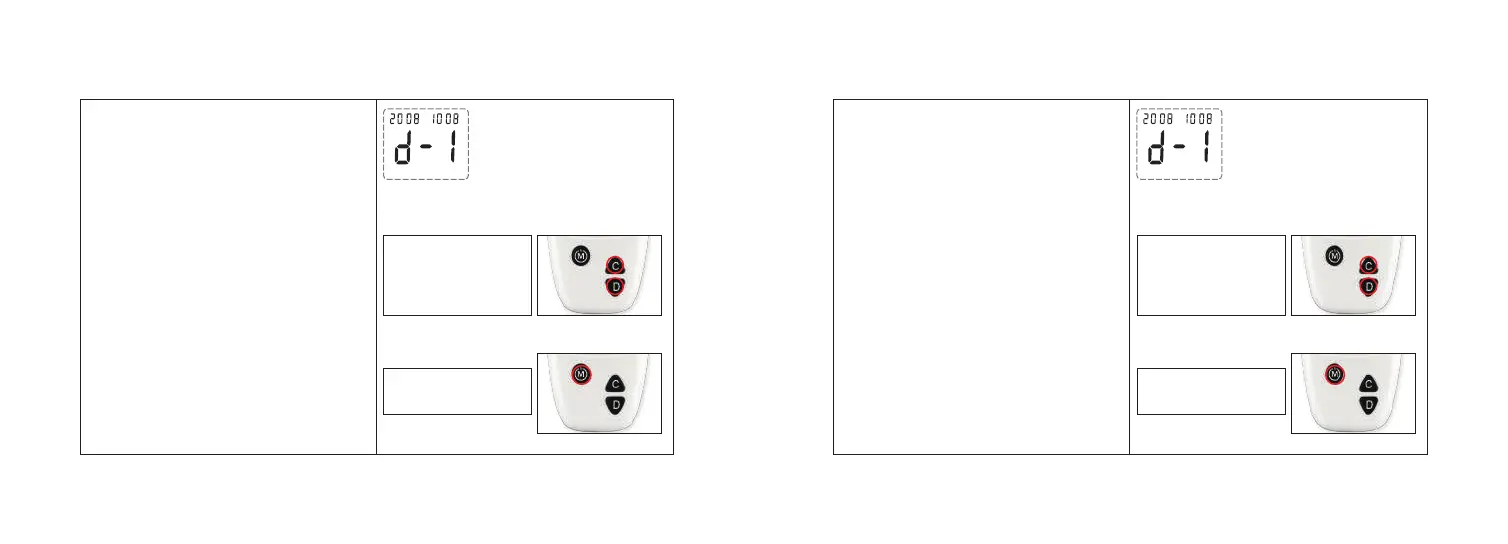
The year appears flashing at the top right
side of the meter display.
1.Press and release the button “C” or “D”
to increase or decrease the year.
2. Press and release button “M” to confirm
the year.
Step 1:
Step 2:
Press and release “C”
or “D” to increase or
decrease the year.
Press and release “M”
to set the year.
The month appears flashing at the lower
left side of the meter display.
1. Press and release the button “C” or “D”
to increase or decrease the month.
2. Press and release button “M” to confirm
the month.
Step 1:
Step 2:
Press and release “C”
or “D” to increase or
decrease the month.
Press and release “M”
to set the month.



 To Next Page