64 93 204 D3509
10 D3509.208.01.03.02 04.2017
3Operation Sirona Dental Systems GmbH
3.2Options for the Video plugin Operator's manual for SIDEXIS 4 Video Plugin TENEO / SINIUS / INTEGO
3.2
Options for the Video plugin
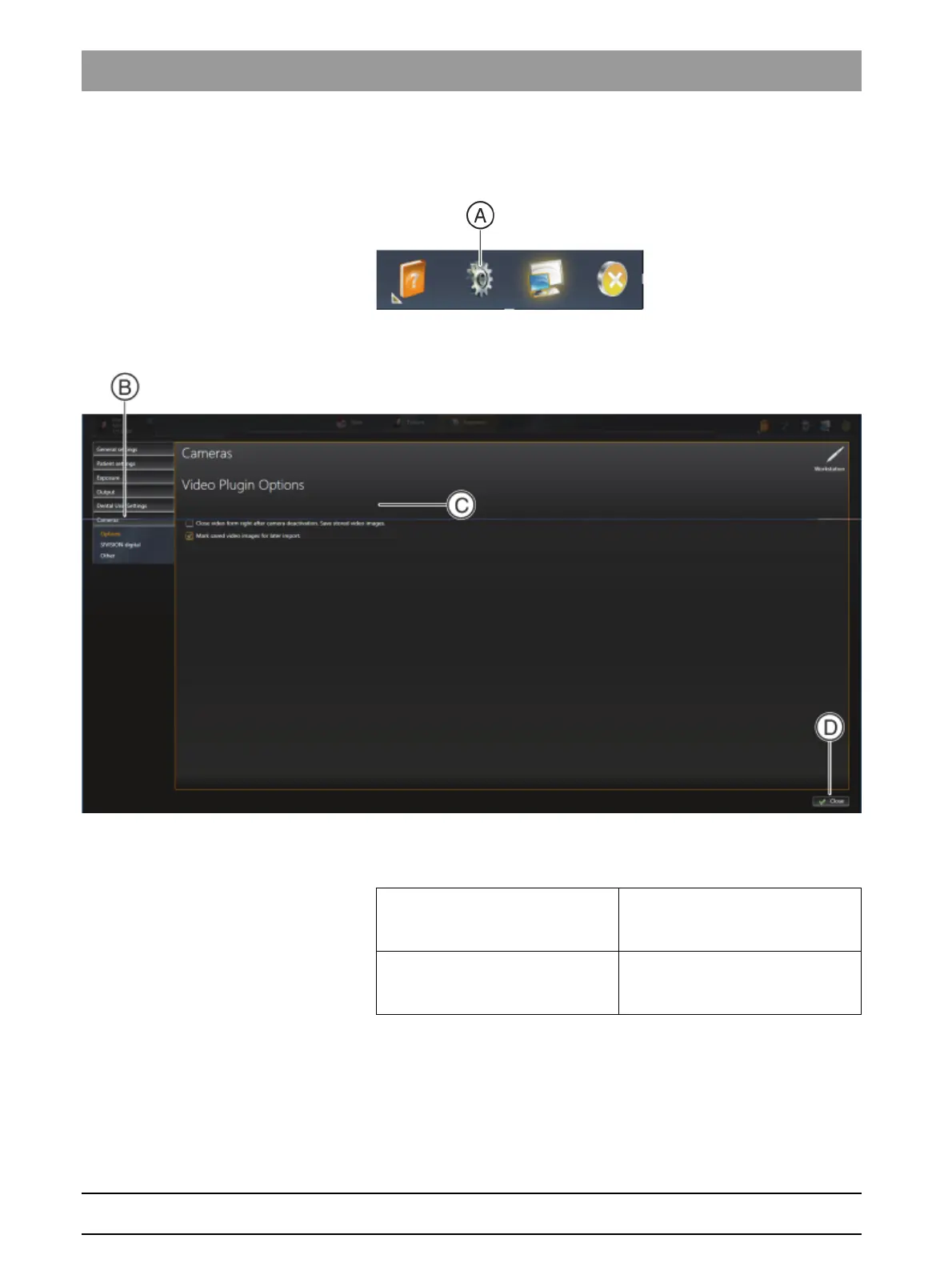
1. Start Sidexis 4.
2. Click on the toothed wheel icon (A) in the header line of the software.
The configuration menu opens.
3. Click the Cameras ⇒ Options buttons in the structure tree (B).
You can apply the following settings in the Video Plugin Options area (C):
"Close video form right after
camera deactivation. Save stored
video images."
check box
The plugin is closed automatically
once the intraoral camera is put
back in its storage tray.
"Mark saved video images for later
import."
check box
The still images saved are
highlighted automatically for import
into Sidexis 4.



 To Next Page