64 93 204 D3509
D3509.208.01.03.02 04.2017
5
Sirona Dental Systems GmbH 2Installation
Operator's manual for SIDEXIS 4 Video Plugin TENEO / SINIUS / INTEGO 2.3To install the video plugin
båÖäáëÜ
2.3
To install the video plugin
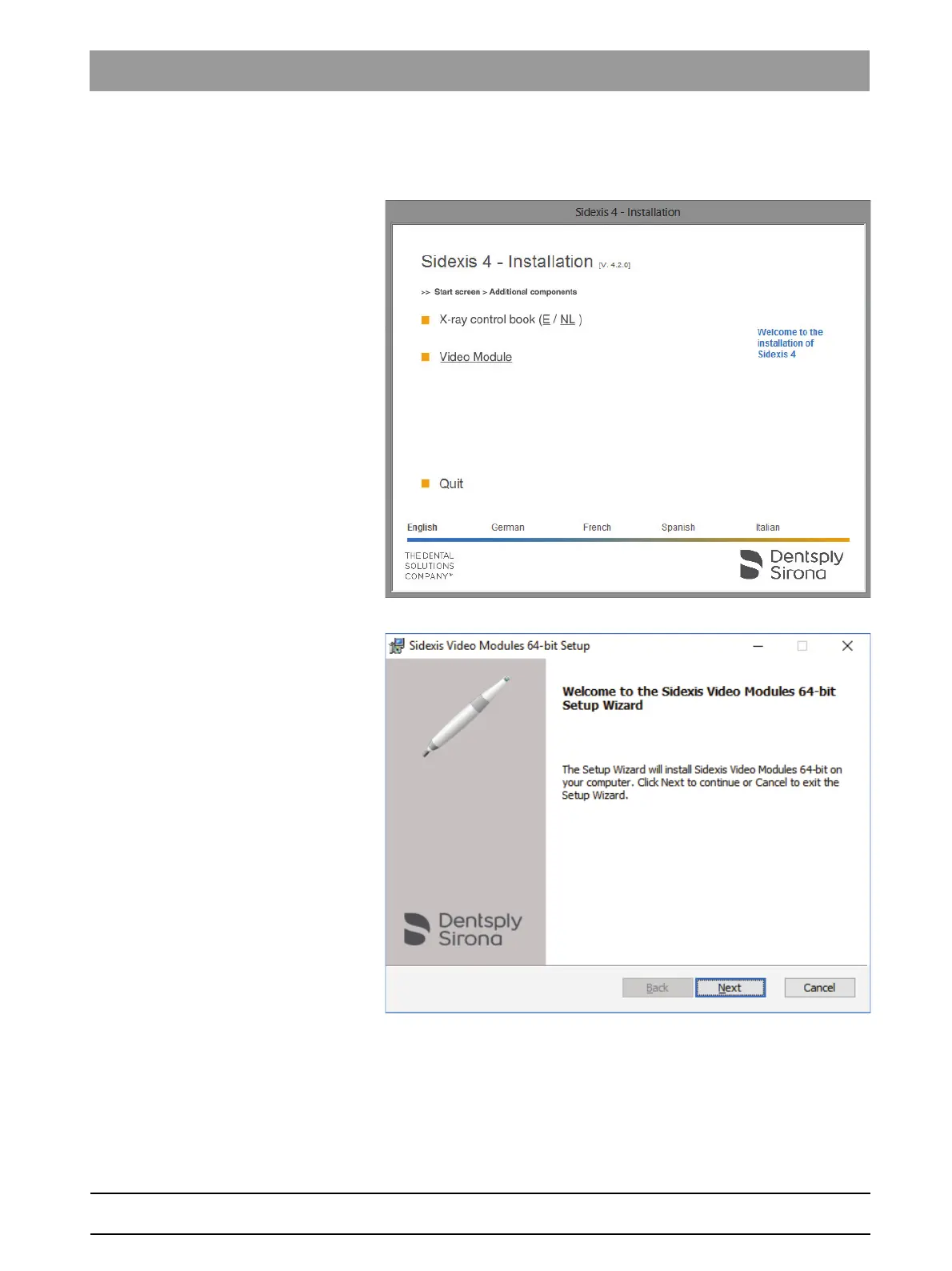
1. In the installation wizard, click on Additional components.
2. Click the Video module button in the window that appears.
The setup program for the video plugin is started.
3. Click the Next button to start the installation.



 To Next Page