64 93 204 D3509
D3509.208.01.03.02 04.2017
9
Sirona Dental Systems GmbH 3Operation
Operator's manual for SIDEXIS 4 Video Plugin TENEO / SINIUS / INTEGO 3.1Select camera
båÖäáëÜ
Configuring a third-party camera
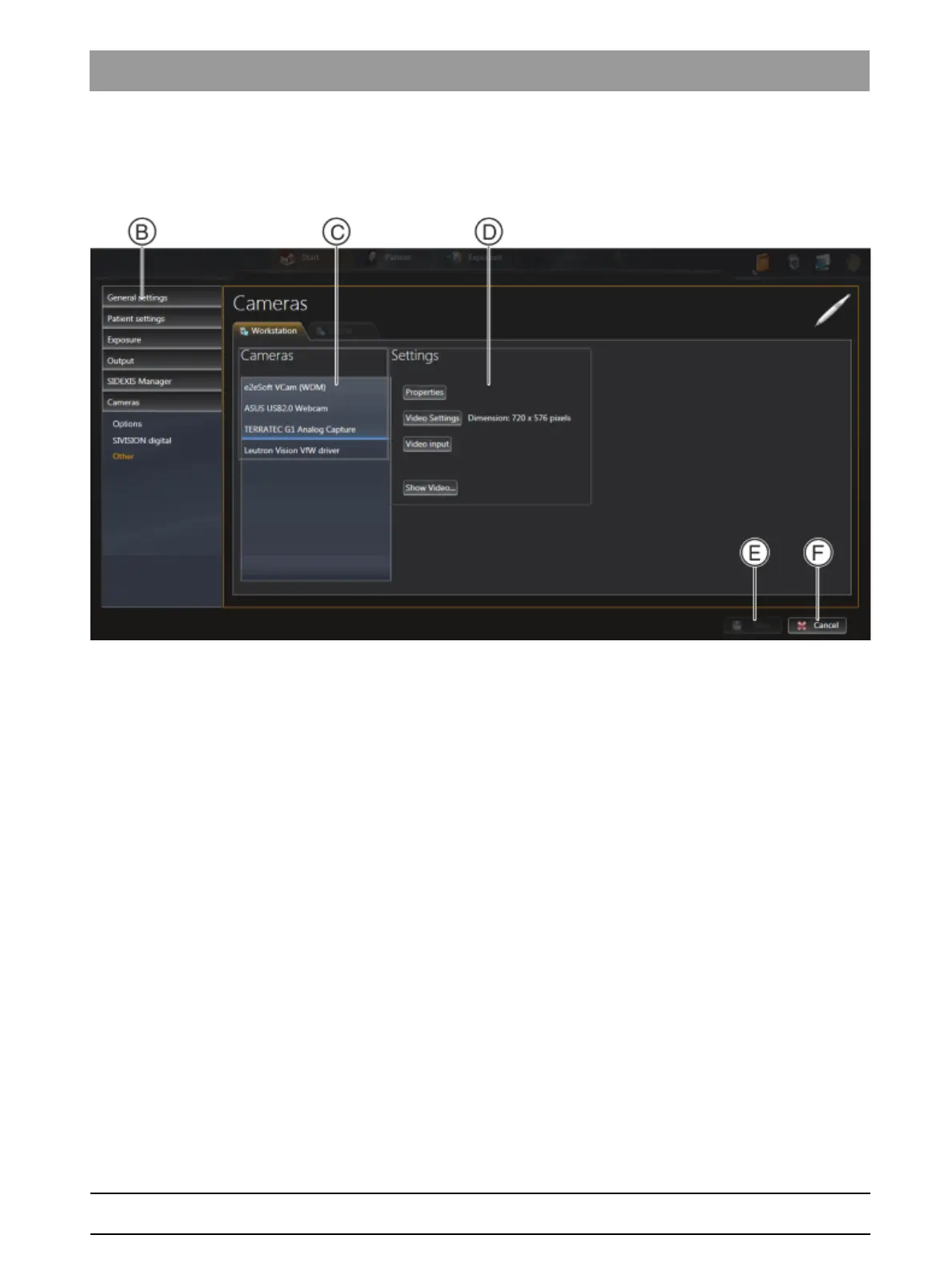
In the Settings region (D), the following options are available for the
selected camera:
● Properties
button Set the camera-specific parameters appearing in the dialog
box (e.g. filter, color, sharpness).
The dialog is part of the camera driver software and various options
are available depending on the camera.
● Video settings
button Set the resolution of the video image appearing in the dialog
box.
The dialog is part of the camera driver software.
The selected resolution is displayed next to the button.
● Video input button (optional)
Select the video input to be used (e.g. composite or S-video).
This setting option is only available if the selected video unit features
selection options for the video input.
● Show video...
button The live camera image is displayed in order to check the
configuration. By pressing the Esc key, you can close the live image
again.
➢ Click the Save button (E) to save the configuration.



 To Next Page