64 93 204 D3509
12 D3509.208.01.03.02 04.2017
3Operation Sirona Dental Systems GmbH
3.4Generate and display a still image Operator's manual for SIDEXIS 4 Video Plugin TENEO / SINIUS / INTEGO
3.4
Generate and display a still image
Generate a still image
NOTE: There are several options for focusing the camera. See also:
SIUCOM Plus / SIVISION connect Installation and Configuration REF 63
94 323
1. For SIVISION digital intraoral cameras: Press the foot control pedal.
or
➢ For third-party cameras: Press the Return button.
The camera focuses and a still image is generated.
The live image is then displayed again.
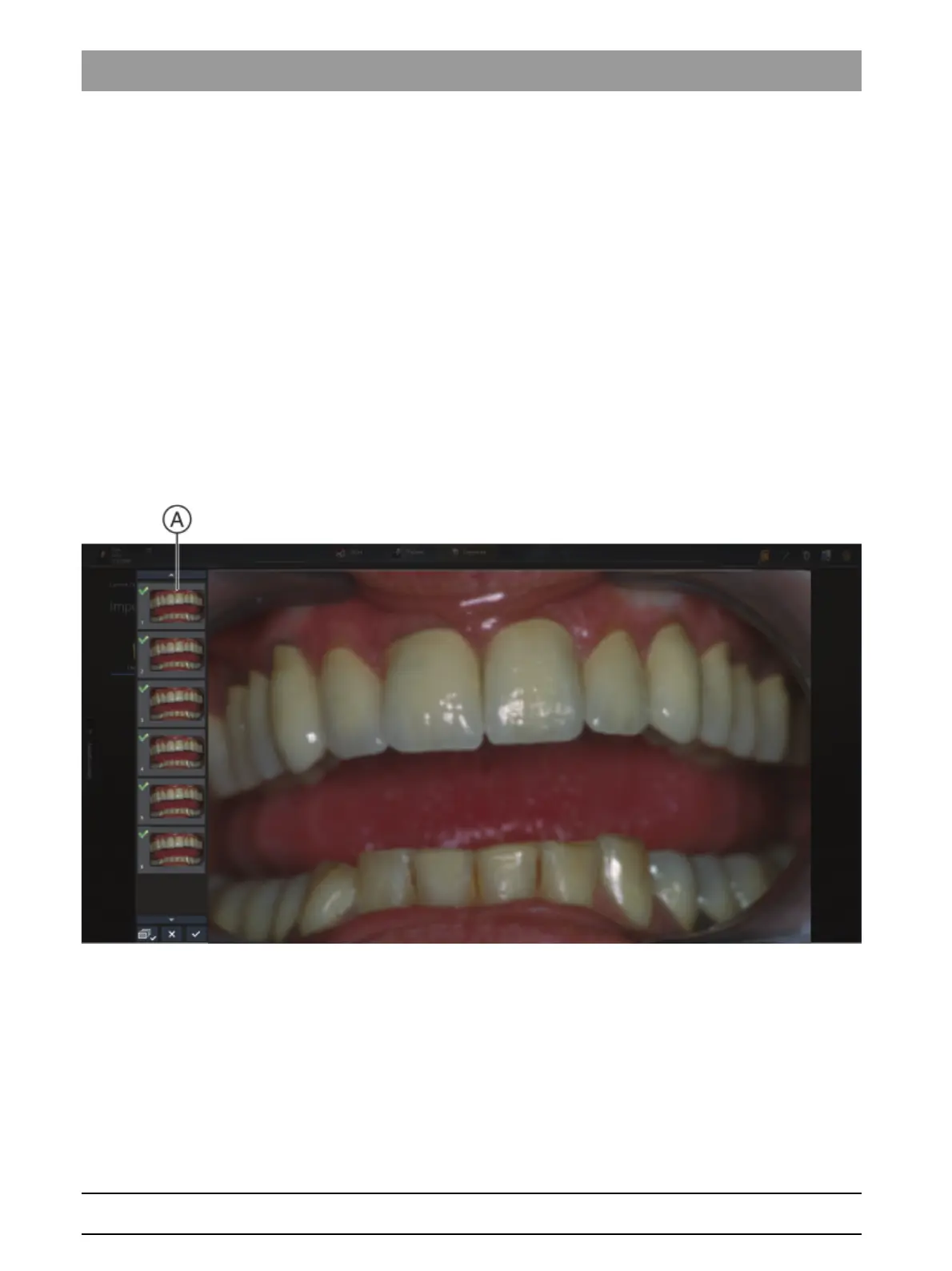
The still image is saved in the plugin. A thumbnail of the still
image is displayed in the bar (A).
2. Press the foot control pedal or the Return button once again to
generate further still images.



 To Next Page