64 93 204 D3509
D3509.208.01.03.02 04.2017
13
Sirona Dental Systems GmbH 3Operation
Operator's manual for SIDEXIS 4 Video Plugin TENEO / SINIUS / INTEGO 3.4Generate and display a still image
båÖäáëÜ
Display a still image
✔ The camera is in the storage tray.
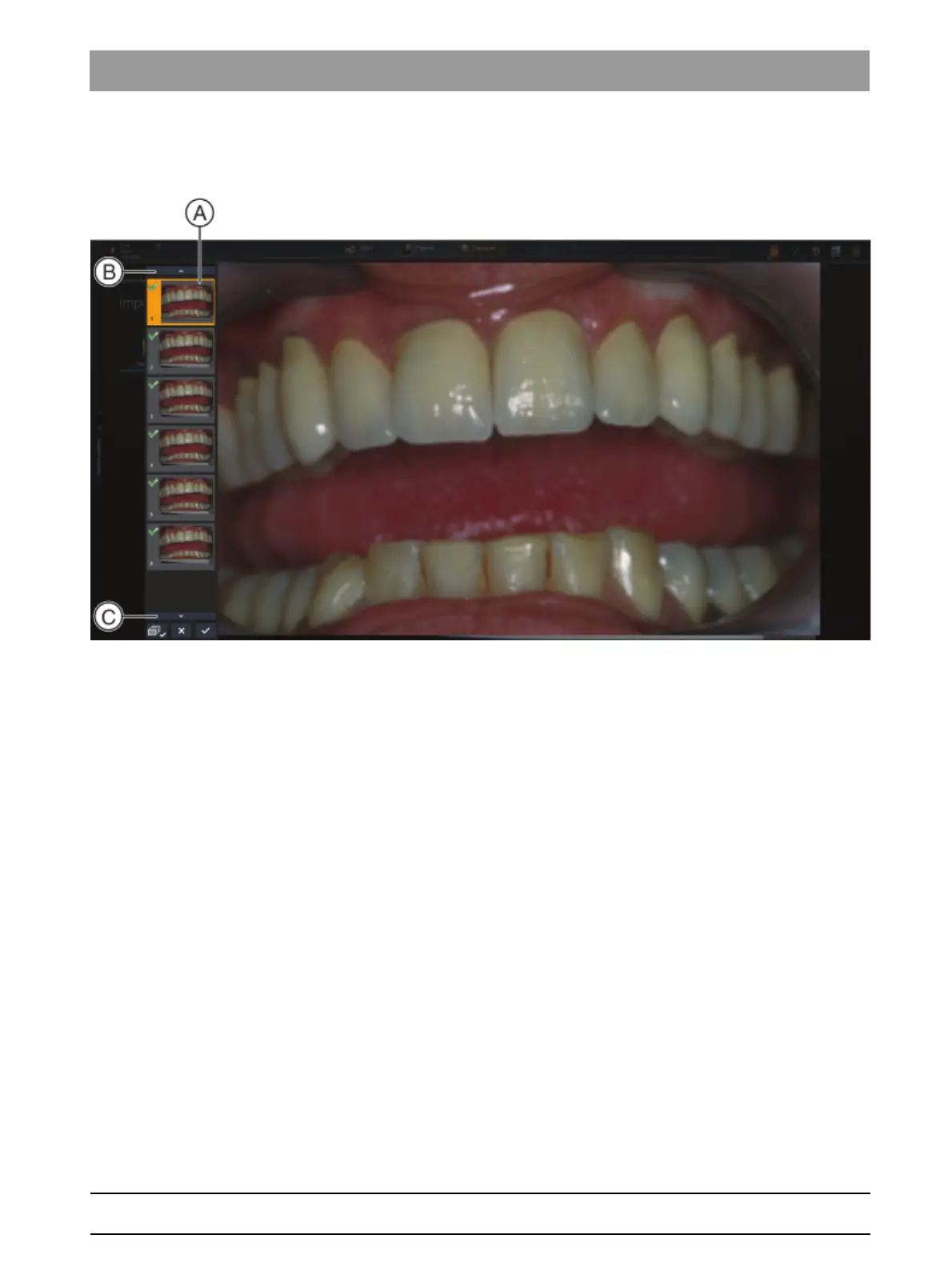
1. Click on a thumbnail in the bar (A).
You can scroll with buttons (B) and (C).
The still image is displayed. The thumbnail is marked with a
yellow frame.
2. Remove the camera from the storage tray to display the live image
once again.



 To Next Page