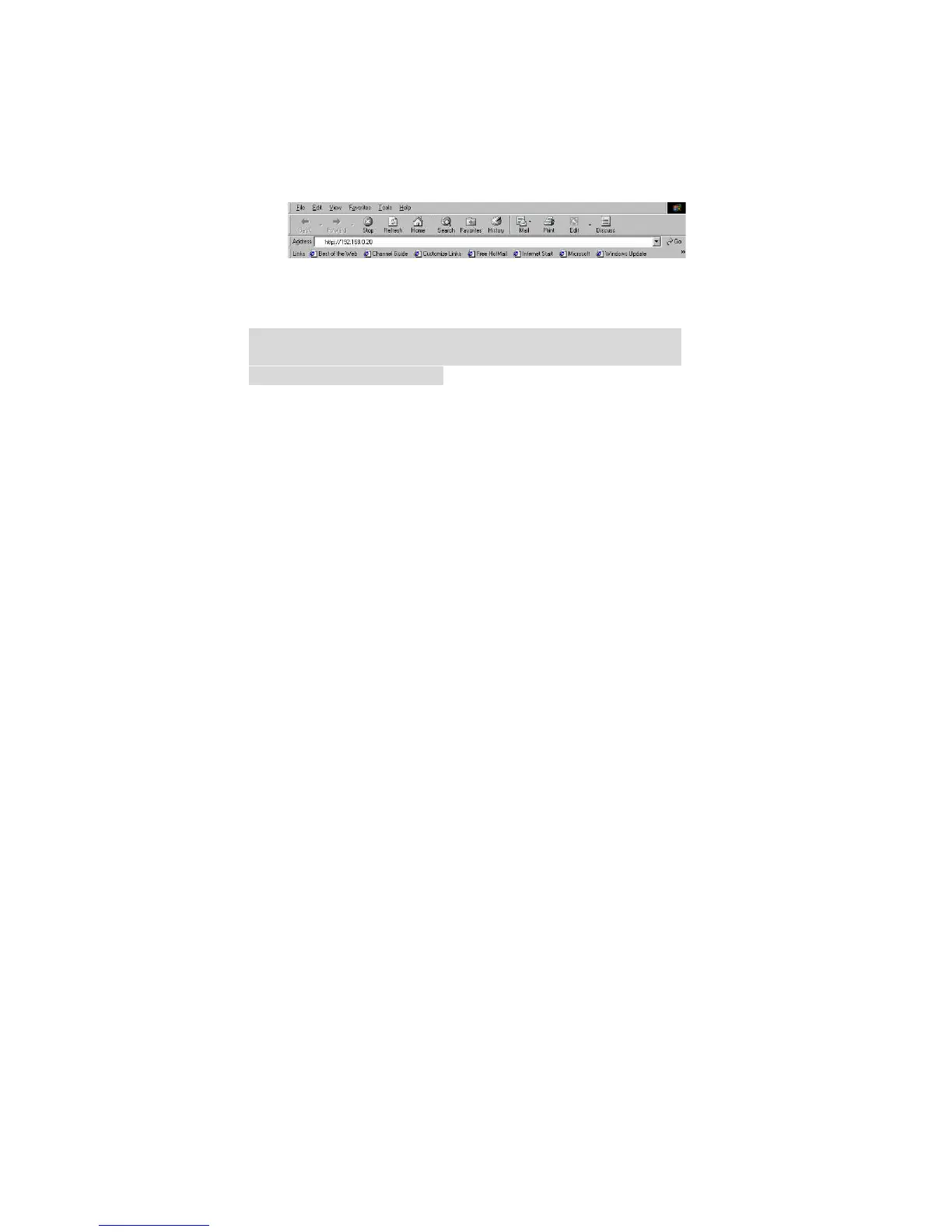
From the web browser, enter the default IP address to
access the Welcome screen of the Internet Camera. To
configure your Internet Camera, type
http://192.168.0.20 in the address box. This is the
default IP address of your Internet Camera. Then, press
[Enter].
Note:
The PC’s IP address must correspond with the Internet
Camera’s IP address in the same segment for the two
devices to communicate.
11



 To Next Page