10.7 How to Adjust the Property
Setting
System Configure
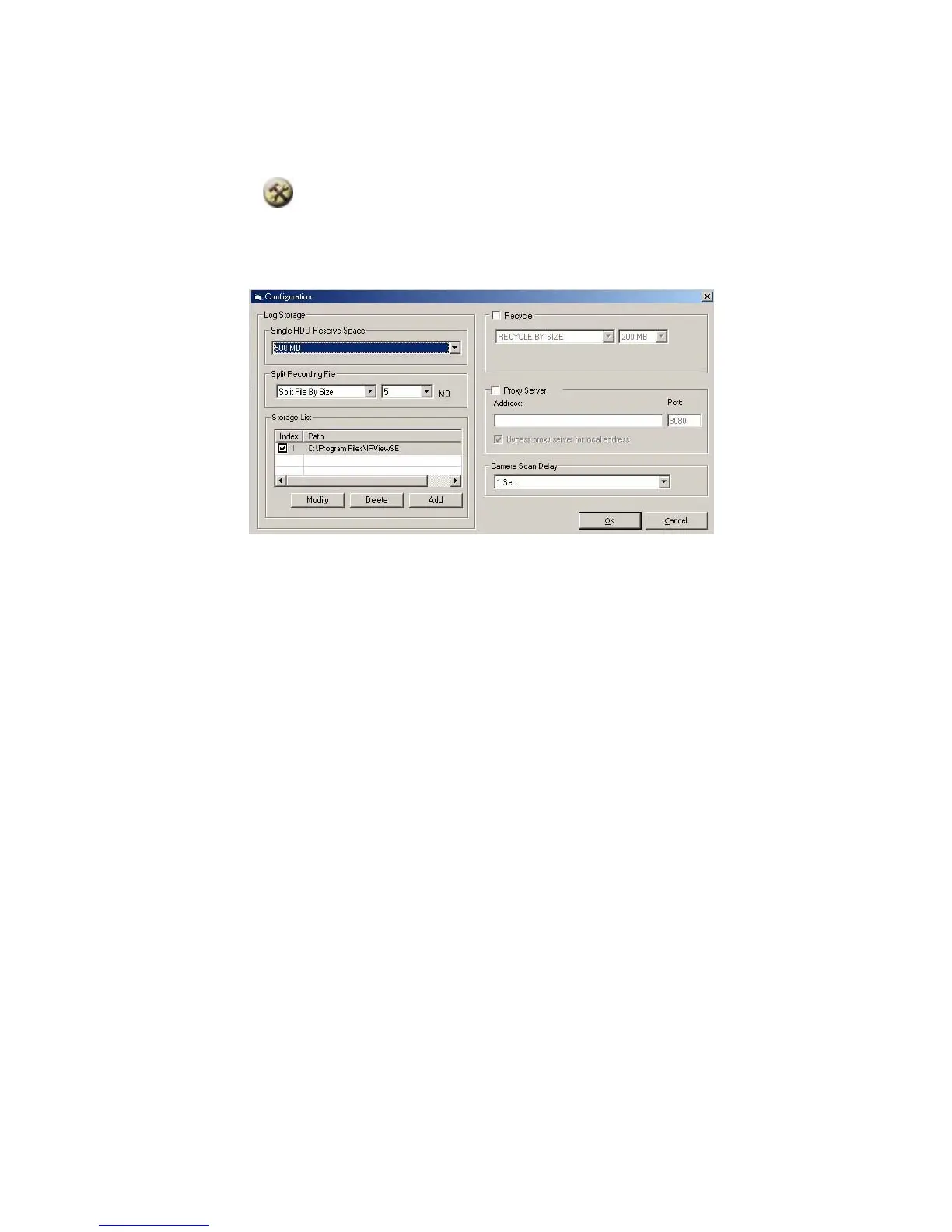
From the control panel, select the button and the dialog
box will appear as shown below.
Log Storage:
1. Single HDD Reserve Space
This option permits reserved space by memory size
from 500 MB to 1000 MB.
2. Split Recording File
From this option, you can adjust the file size for
recording the video images (the default setting is
67



 To Next Page