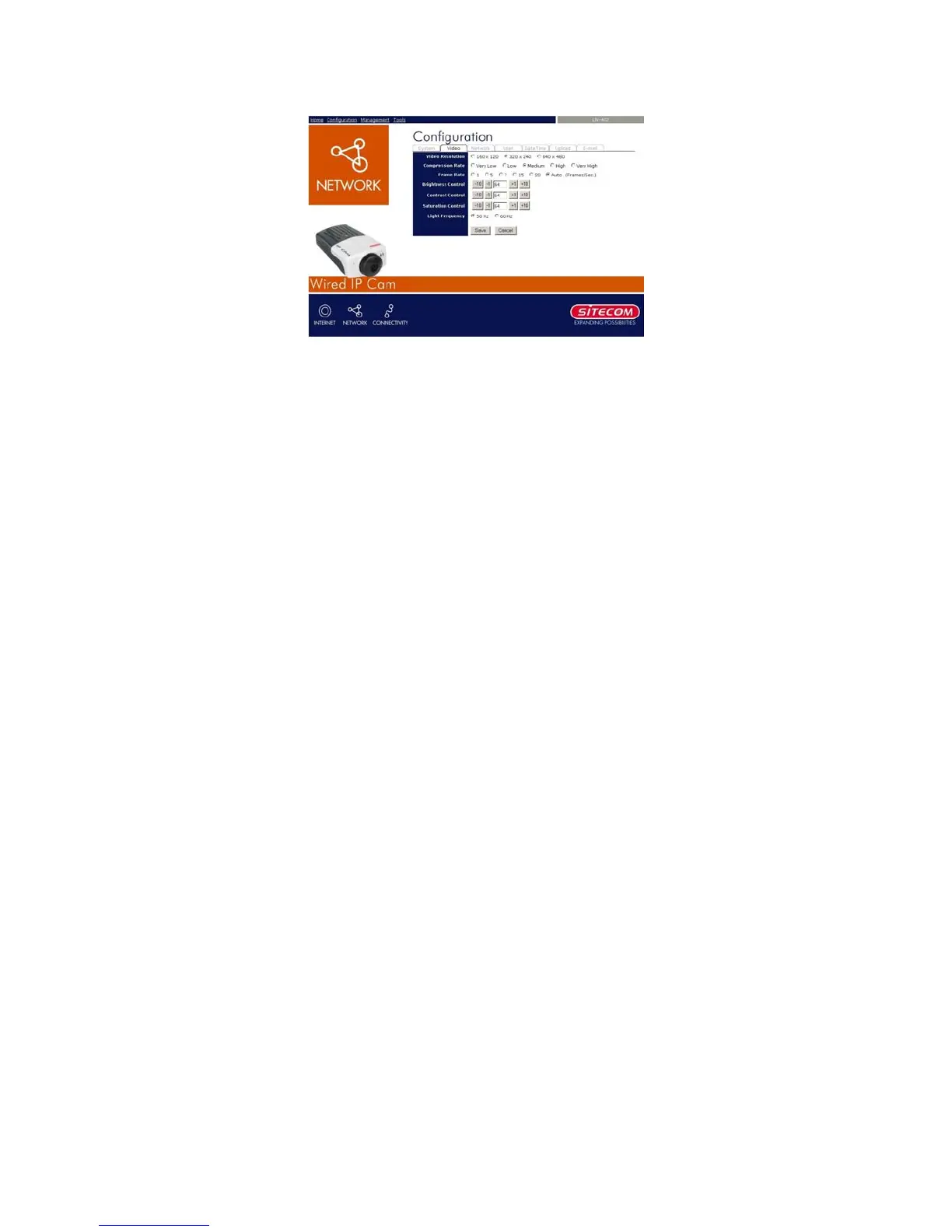
7.1.4 Configuration – Video
- Video Setting: In this field, you can configure
the basic information of your camera.
• Video Resolution: Select the desired video
resolution format, including 160x120,
320x240 (default) and 640x480.
• Compression Rate: Select the desired
compression rate with five levels from Very
Low to Very High. Higher video compression
rate will generate more compact file size with
less video quality and vise-versa. The default
setting is Medium.
• Frame Rate: Select the frame rate desired
with default setting at Auto for optimal frame
rate.
• Brightness Control: Adjust the brightness
level with default setting at 64.
• Contrast Control: Adjust the contrast level
with default setting at 64.
• Saturation Control: Adjust the saturation with
default setting at 64.
15



 To Next Page