81
D Upgrade Firmware
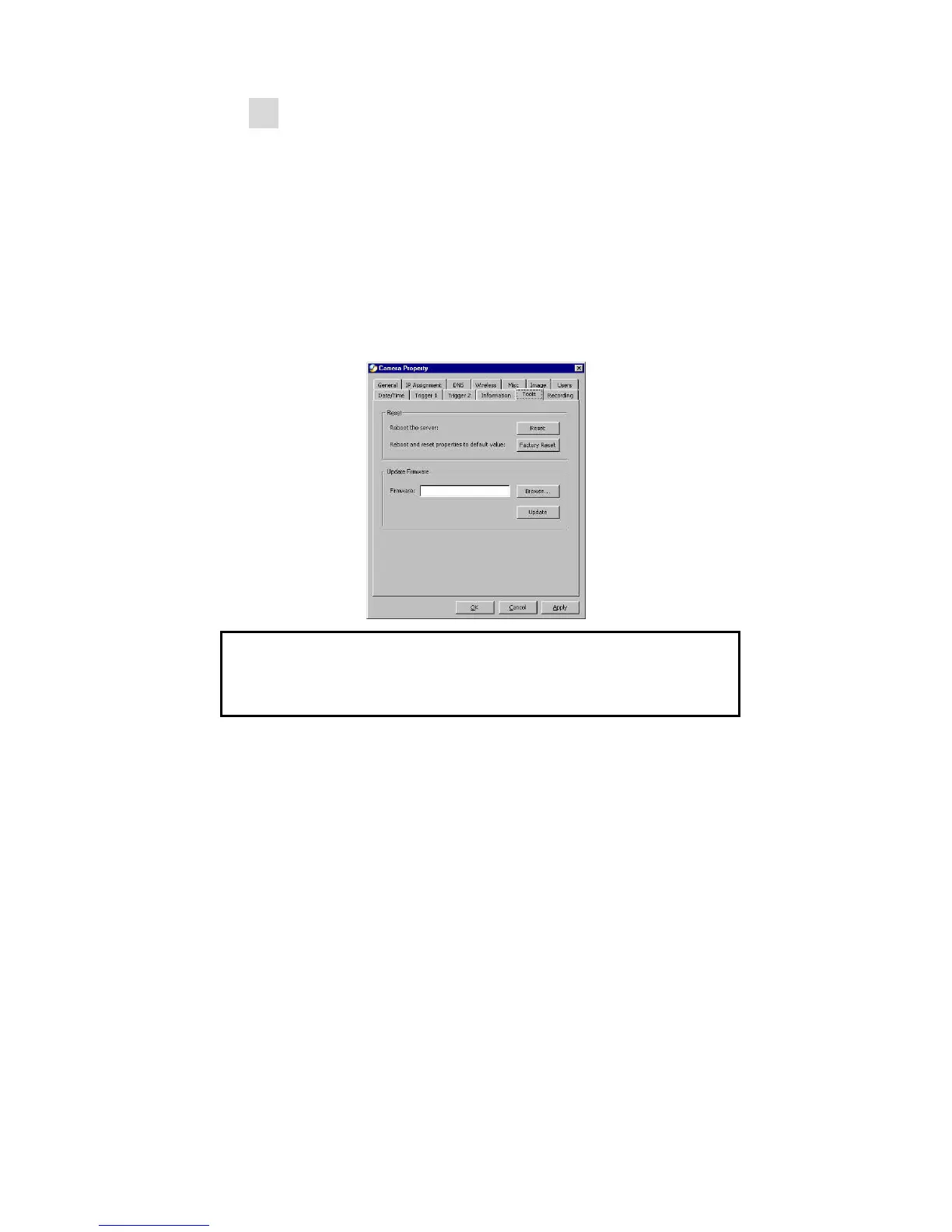
The users can update firmware of the IPView SE
application. Select “Camera” > “Properties”, and the
Camera Property dialog box will appear. Select the
Tools tab and enter the full path of the firmware binary
file name in the Update Firmware field, or you can click
the “Browse” button to select the file. Once the
firmware file is entered, click the “Update” button to
proceed with the updating process. Once completed,
click the “OK” button as illustrated below
Warning
During firmware update process, please make sure no
interruptions will occur as it might possibly cause serious
damage to the Internet Camera



 To Next Page