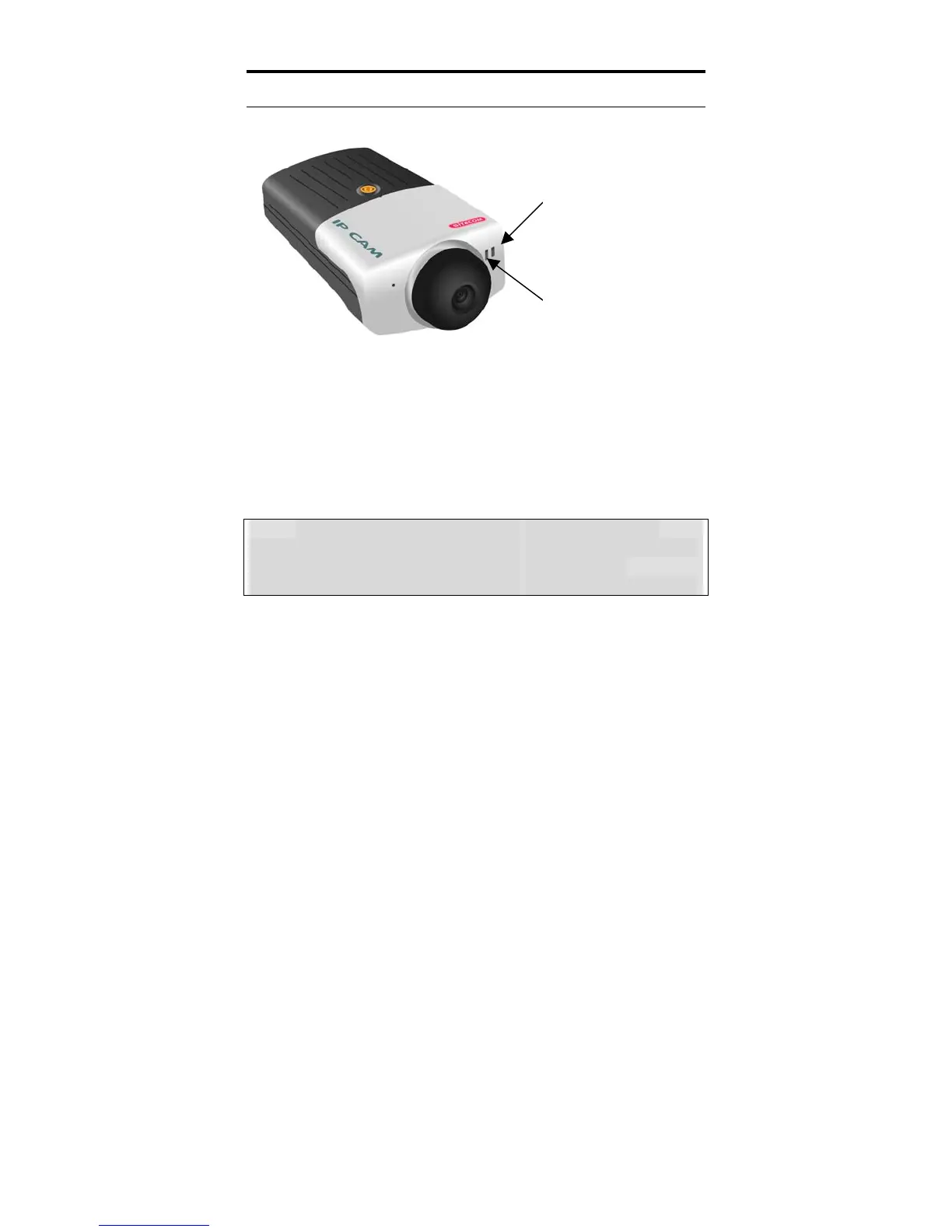
Front Panel
Link
Act
Power
Power LED
The Power LED is positioned on the right side of the
Internet Camera’s lens while facing the Internet Camera.
A steady blue light confirms that the Internet Camera is
powered on.
Note: There are three settings for the Power LED to
control the light illumination for monitoring purpose from
Normal / Off / Dummy. Please refer to the Web
Configuration section for detailed information and usage.
5



 To Next Page