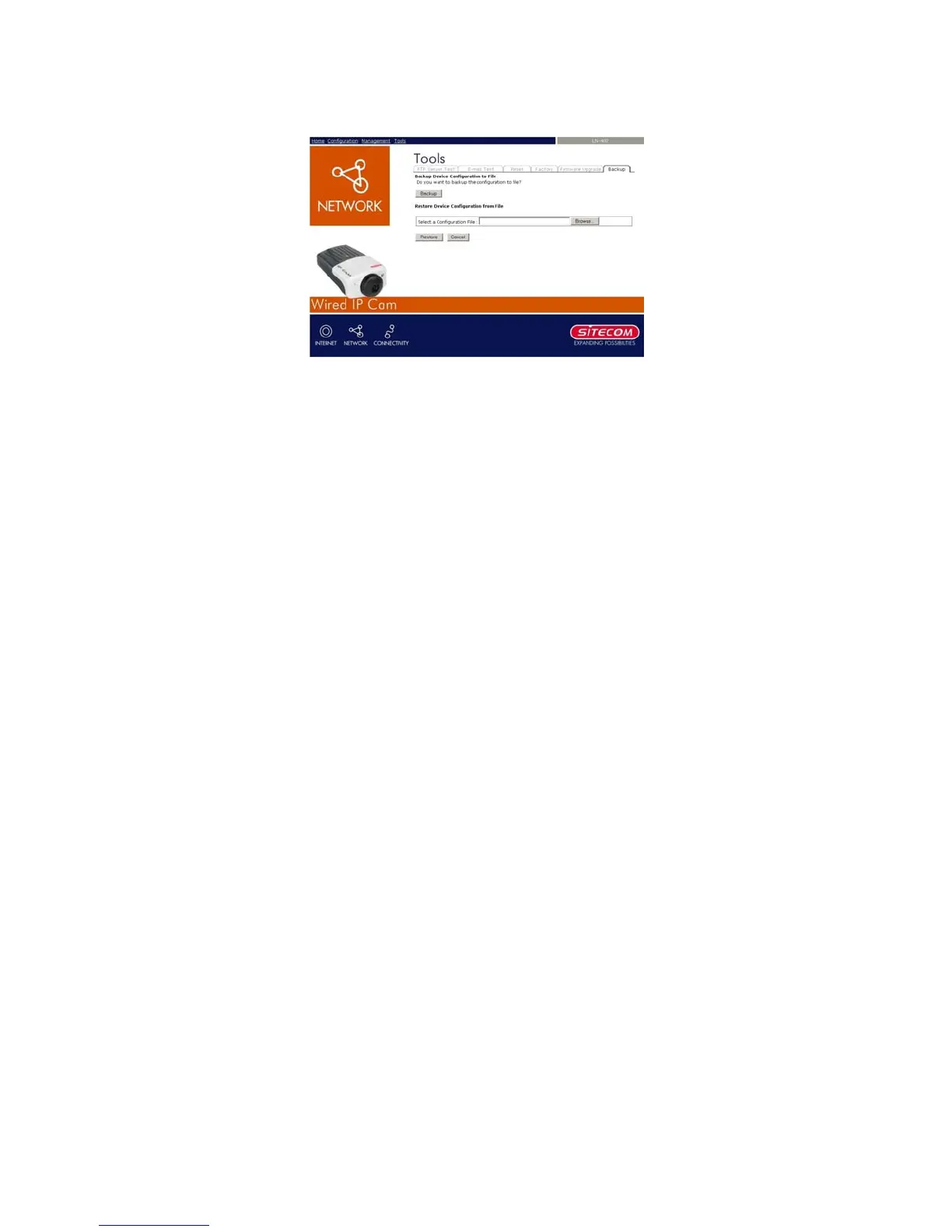
7.3.6 Tools – Backup
Click the Backup item to backup the current
configuration.
- Backup Device Configuration to File: Do you
really want to backup the configuration to file?
Click the Backup button from this option, and
you can save the current configuration to file.
- Restore Device Configuration from File: You
can resume the device configuration from saved
file in the computer. Click the Browse… button
to point to the file, and then click Restore to start
restoring.
40



 To Next Page