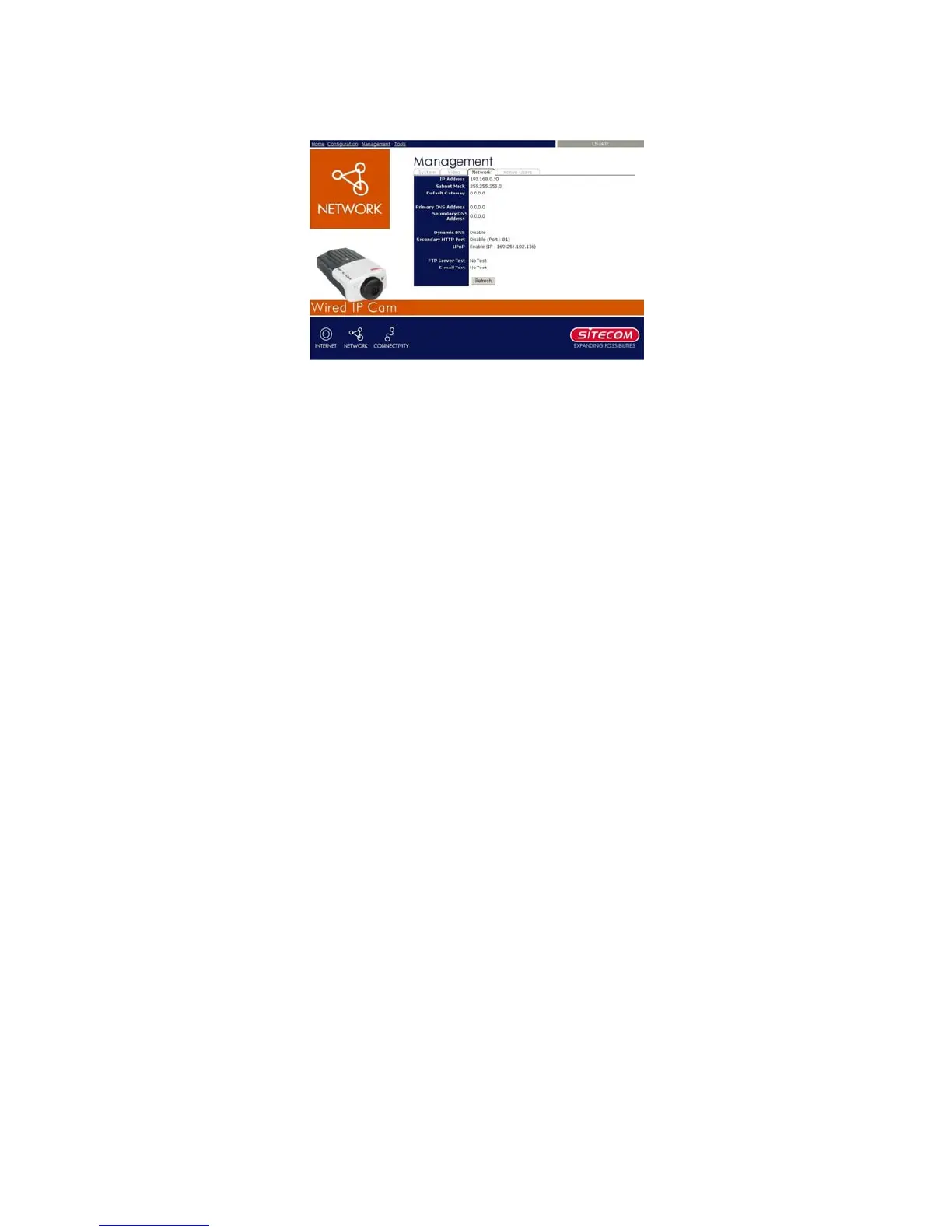
7.2.4 Management - Network
Click the Network item to display the information of the
LAN.
Network Status: The items in this field display the
information of the LAN, such as the IP Address, Subnet
Mask, Default Gateway, Primary DNS Address, Secondary
DNS Address, Dynamic DNS, Secondary HTTP Port, and
UPnP.
33



 To Next Page