• UPnP: UPnP is the architecture for pervasive
peer-to-peer network connectivity of intelligent
appliances, wireless devices, and PCs of all
form factors. Check the Enable option to
enable the function of your camera.
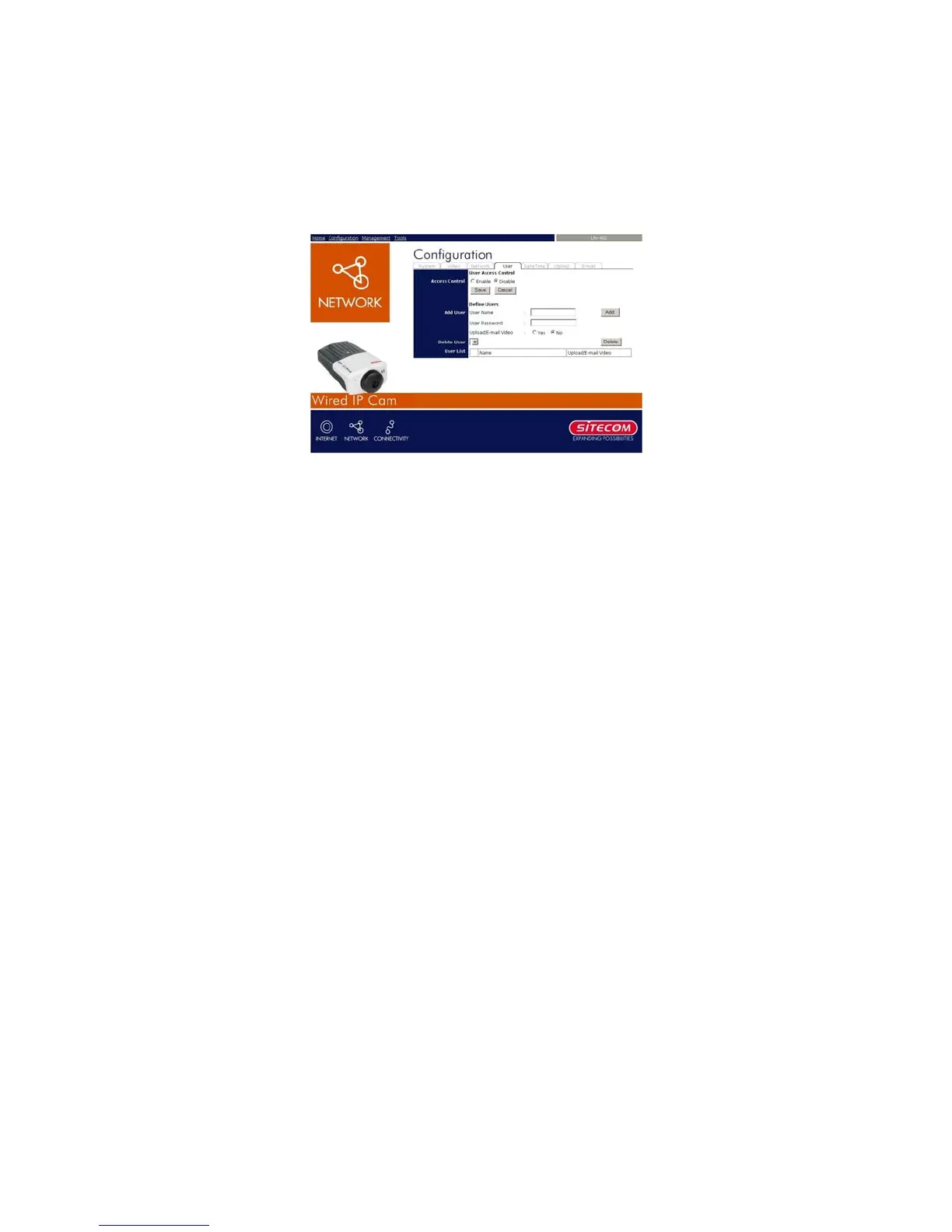
7.1.7 Configuration – User
- User Access Control:
• Access Control: The administrator has the
authority to give permission for the privilege to
control the device to users by selecting Enable
or Disable. The default setting is No.
- Define Users: Use this field to add or delete
users for your camera.
• Add User: Enter the user name in this box,
and enter the user’s password assigned by the
administrator. The maximum password length
is 8 (printable ASCII).
The administrator has the authority to give
permission for the privilege to control the
Upload/E-mail Video control to the users by
23



 To Next Page