selecting Yes or No to activate the Upload/E-
mail Video.
To add a new user’s name, enter the necessary
information first and click the Add button.
• Delete User: Select the user you want to
delete from the pull-down menu, and then click
the Delete button.
• User List: This list displays the current users
status of your camera.
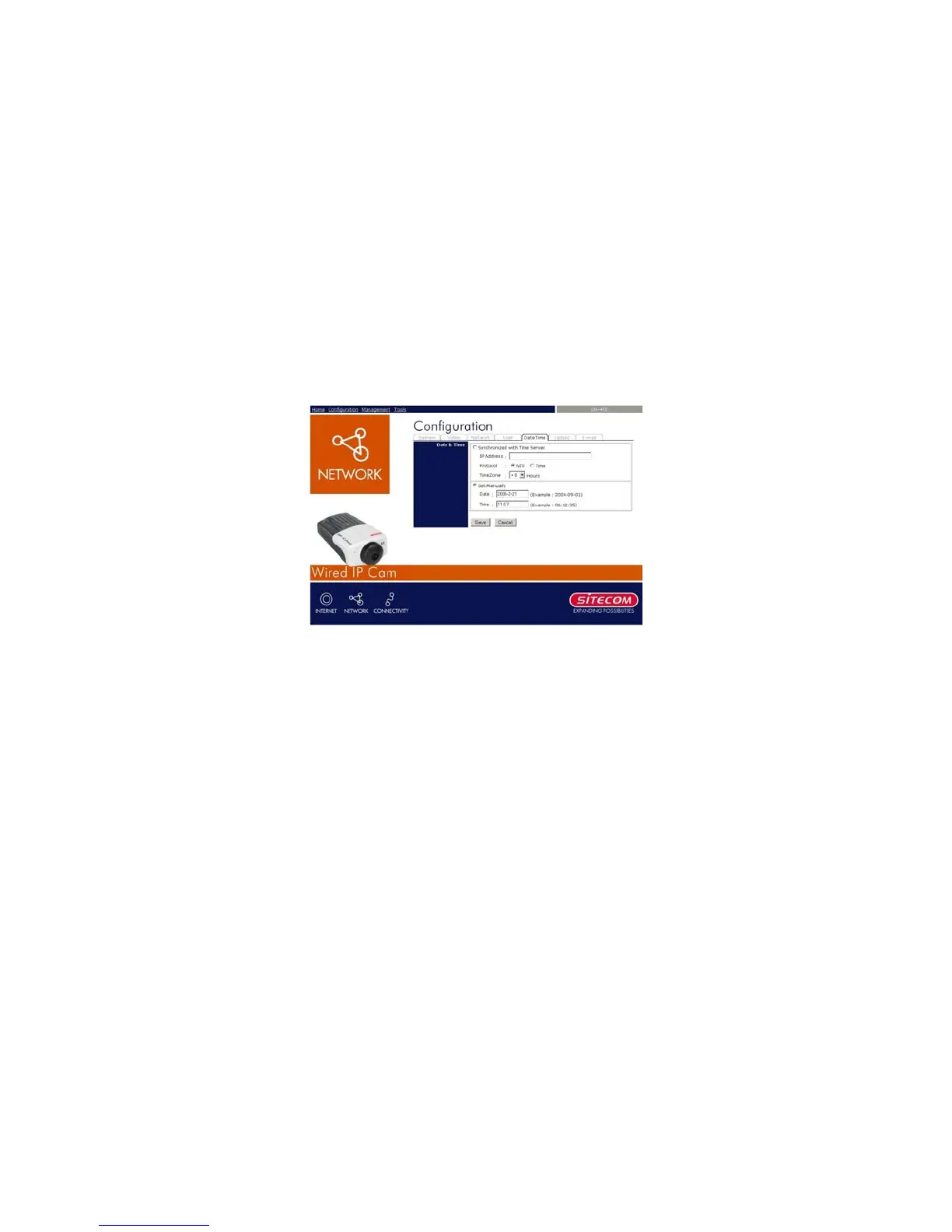
7.1.8 Configuration – Date & Time settings
Click the DateTime item to setup time and date for your
camera, providing correct information for the remote
users who might be thousands of miles away from the
camera’s location.
- Date & Time: You can set up time and date
manually or automatically by selecting the
Synchronized with Time Server option.
• Synchronized with Time Server: Select this
option and the time will be based on GMT
24



 To Next Page