9. IPView SE Application
9.1 Installation
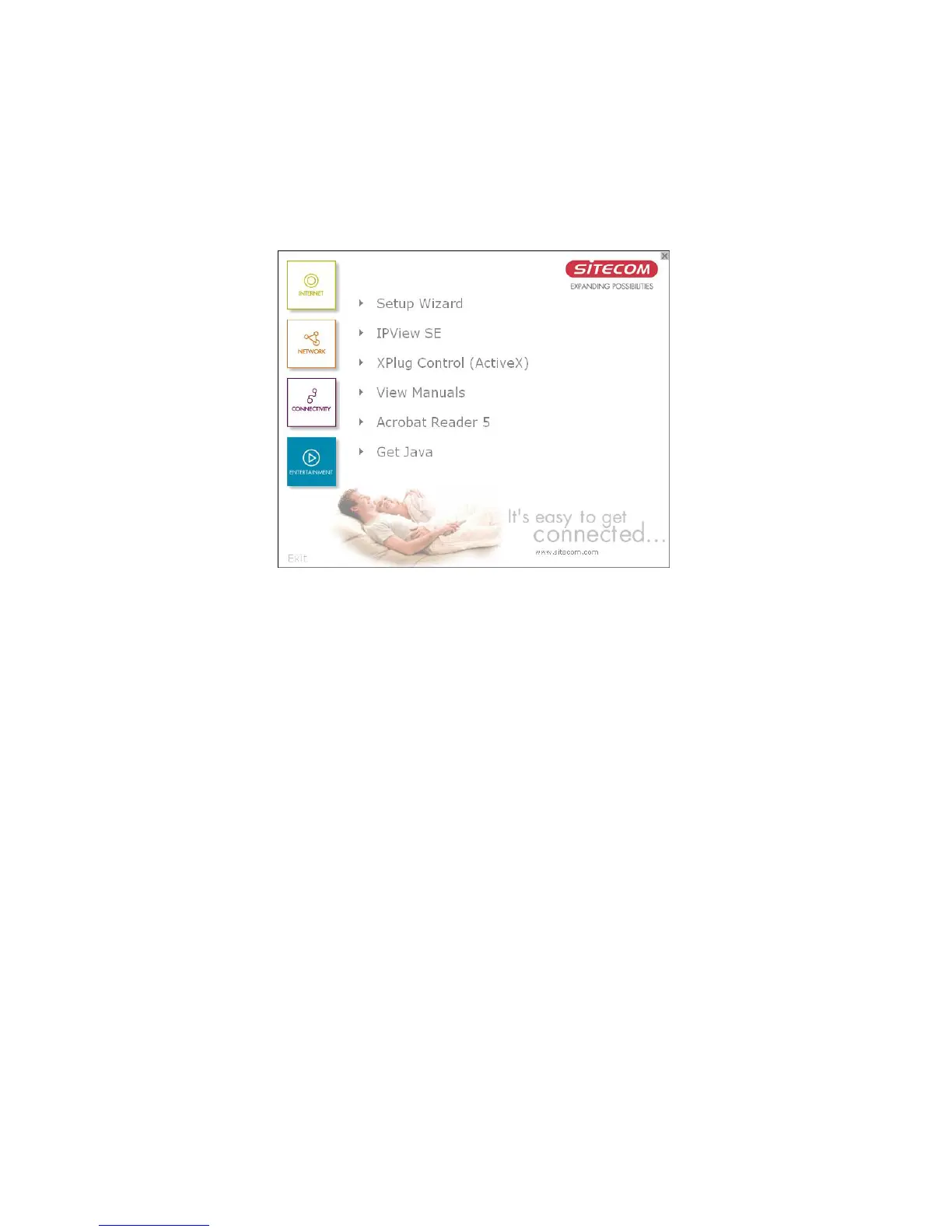
Insert the CD-ROM into the CD-ROM drive to
initiate the auto-run program. Once completed, a
menu screen will appear as below:
To install the IPView SE application click the
"IPView SE" button to activate the installation
procedure for the application program.
47



 To Next Page