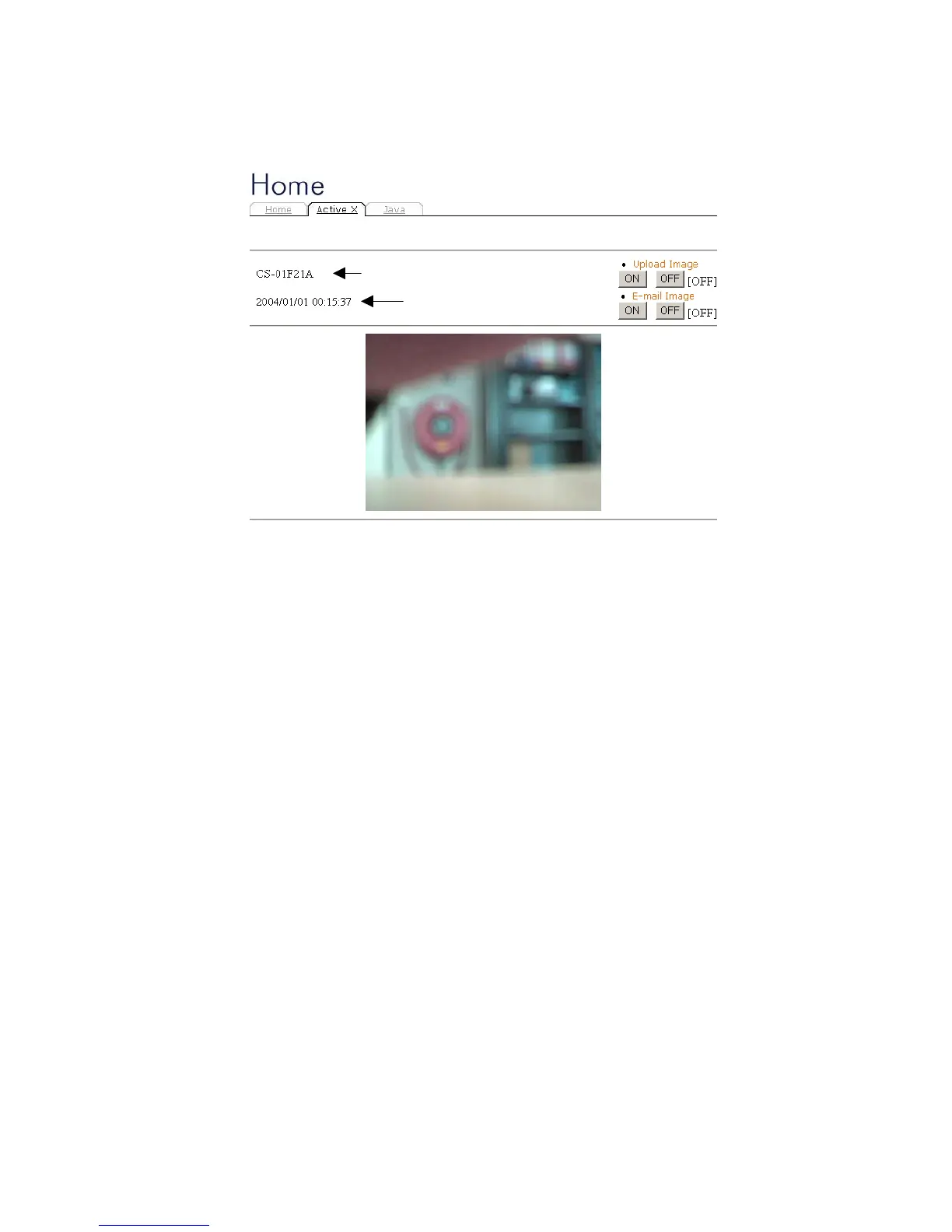
7.4.1 Home – ActiveX
To view video images from the browser, click “ActiveX”
from the welcome screen to access the video images
from Internet Explorer as illustrated below:
Camera Name*
Date Time**
Camera Name* - The Camera name will be display
when the Camera Name field is entered in the Web
Configuration setting under “Configuration”
Date/Time**- The date/time of the video server will
show the date and time that come from time server or
you set manually.
Note:
Please refer to the appendix on how to install ActiveX.
1. Install to the Web Server
41



 To Next Page