- Time Schedule: Select the “Enable-mail video to
e-mail account” option to set schedule to send e-
mail. Please refer to the instruction in “Upload”
section. The Interval option is to define time
interval between two images sent.
- Manual Operation: When you click the E-mail
Video button in view video screen, it will start to
e-mail image. The Interval option is to define
time interval between two images sent.
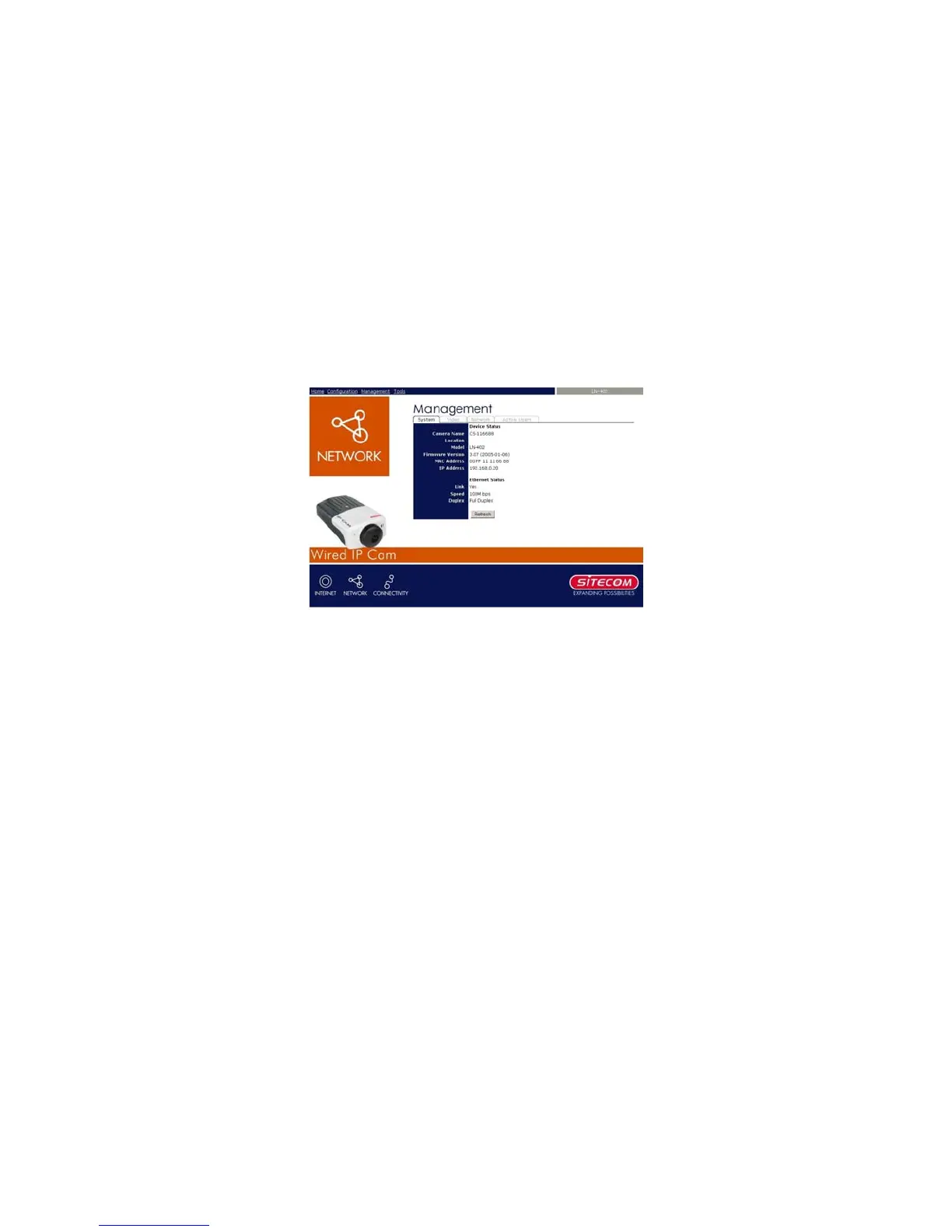
7.2.1 Management - System
Click the System item to display the device status of
your camera.
- Device Status: The information about the
camera, including the Camera Name, Location,
Model, Firmware Version, MAC Address and IP
Address, can be found in this field.
29
- Ethernet Status: You can monitor the
networking status in this field, including the Link



 To Next Page