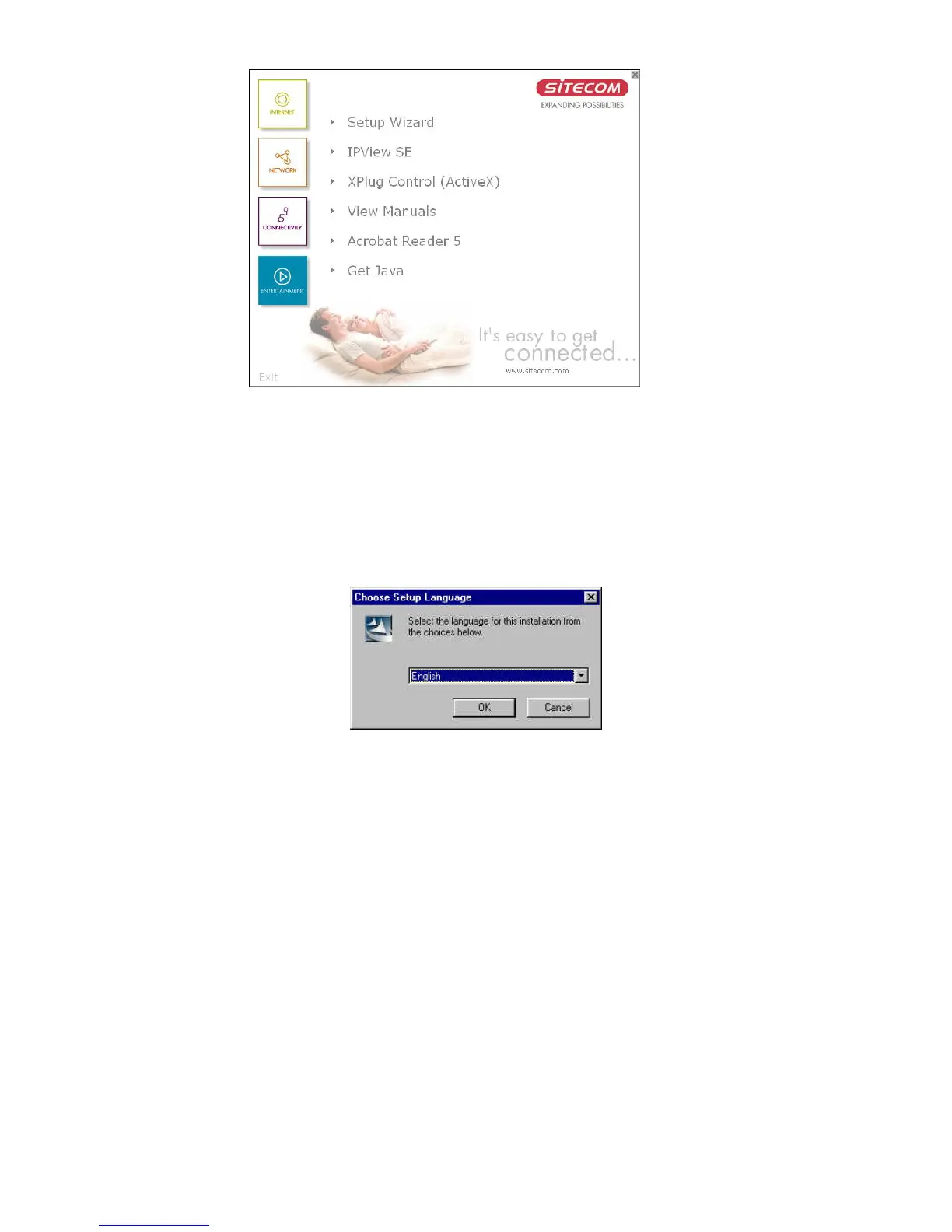
To install Xplug Control, click the "Xplug Control"
button to activate the installation procedure for the plug-
in program.
Once executed, a prompt will appear requesting the input
of the desired language selection. Make the desired
selection and click “OK” to continue.
83



 To Next Page