WL-108 Wireless Network Modem/router 11M
17
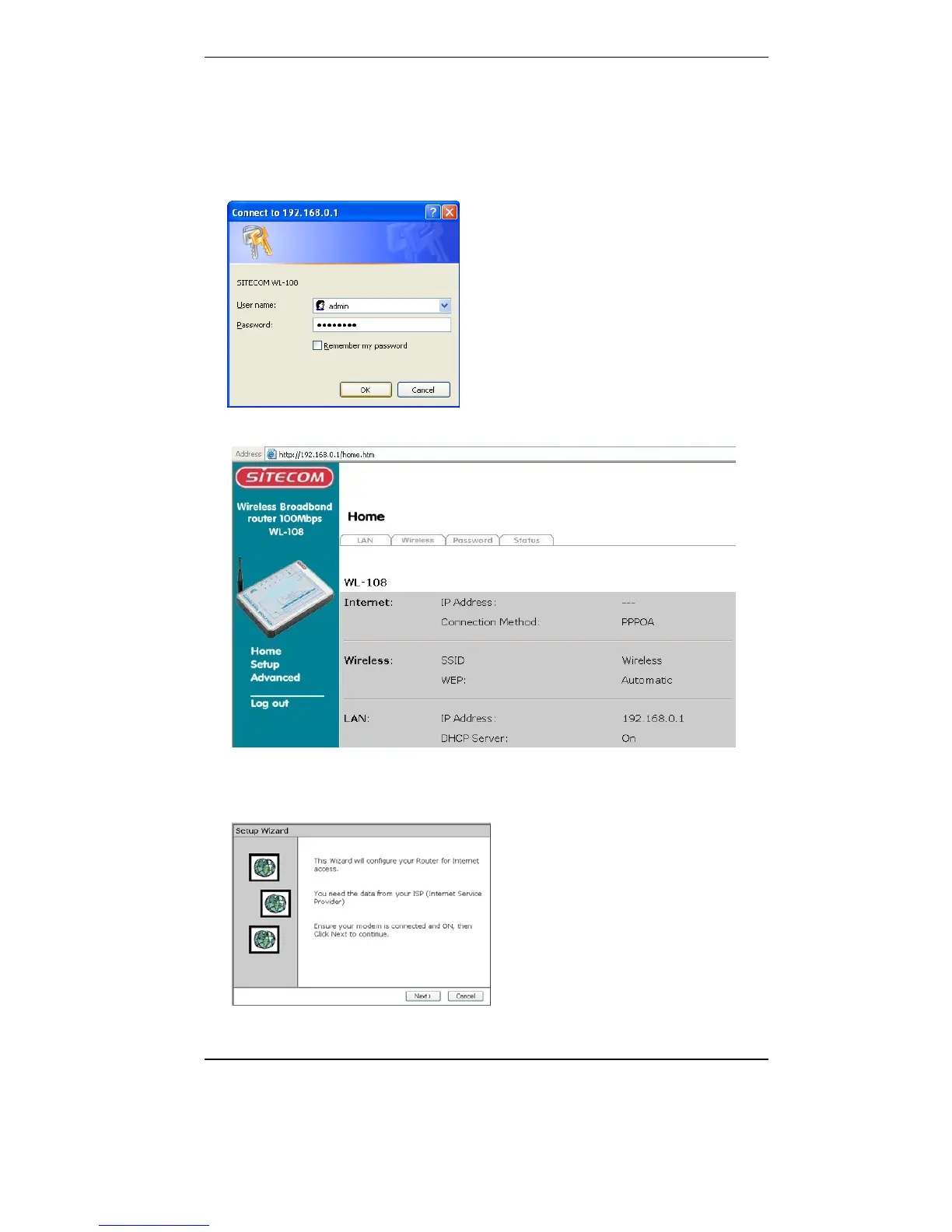
4. Start your web browser. In the Address field, enter the following:
192.168.0.1
5. Fill in the username and password in the pop-up window
User name: admin
Password: password
6. The start up window will now be displayed. Click on Setup.
7. The Set up wizard will now be displayed; check that the modem is
connected and click on Next.



 To Next Page