WL-108 Wireless Network Modem/router 11M
20
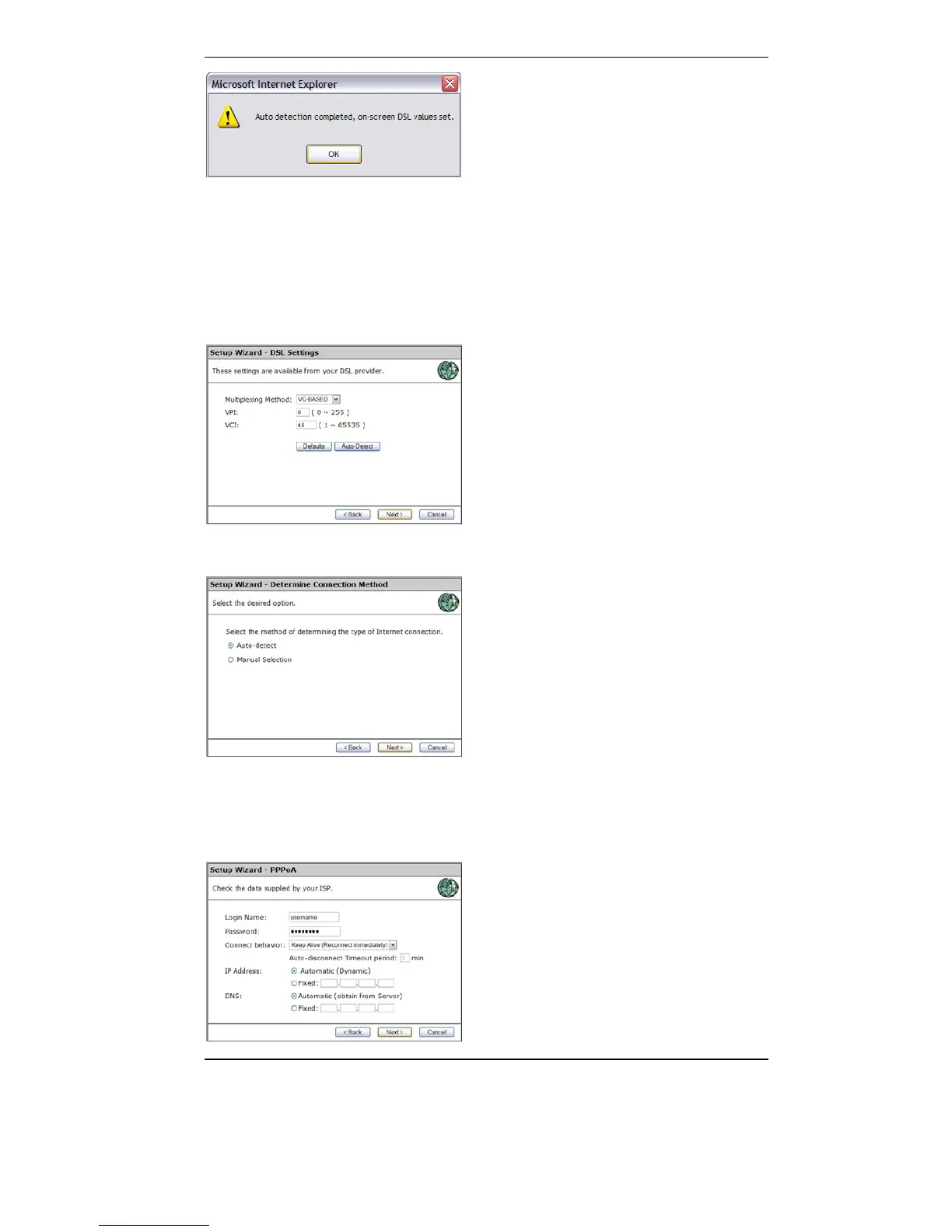
4. Click Next
5. Choose manual selection if you know your conection method (PPPoA,
PPPoE) or choose Auto-Detect. Click Next
6. If necessary, fill in username and password. Choose the connection
behavior. Select manual if you don’t have a flatrate internet connection!
The IP address and DNS should be set to automatic in most cases. Only
choose Fixed if you have received specific instructions from your ISP,
click Next



 To Next Page