WL-108 Wireless Network Modem/router 11M
21
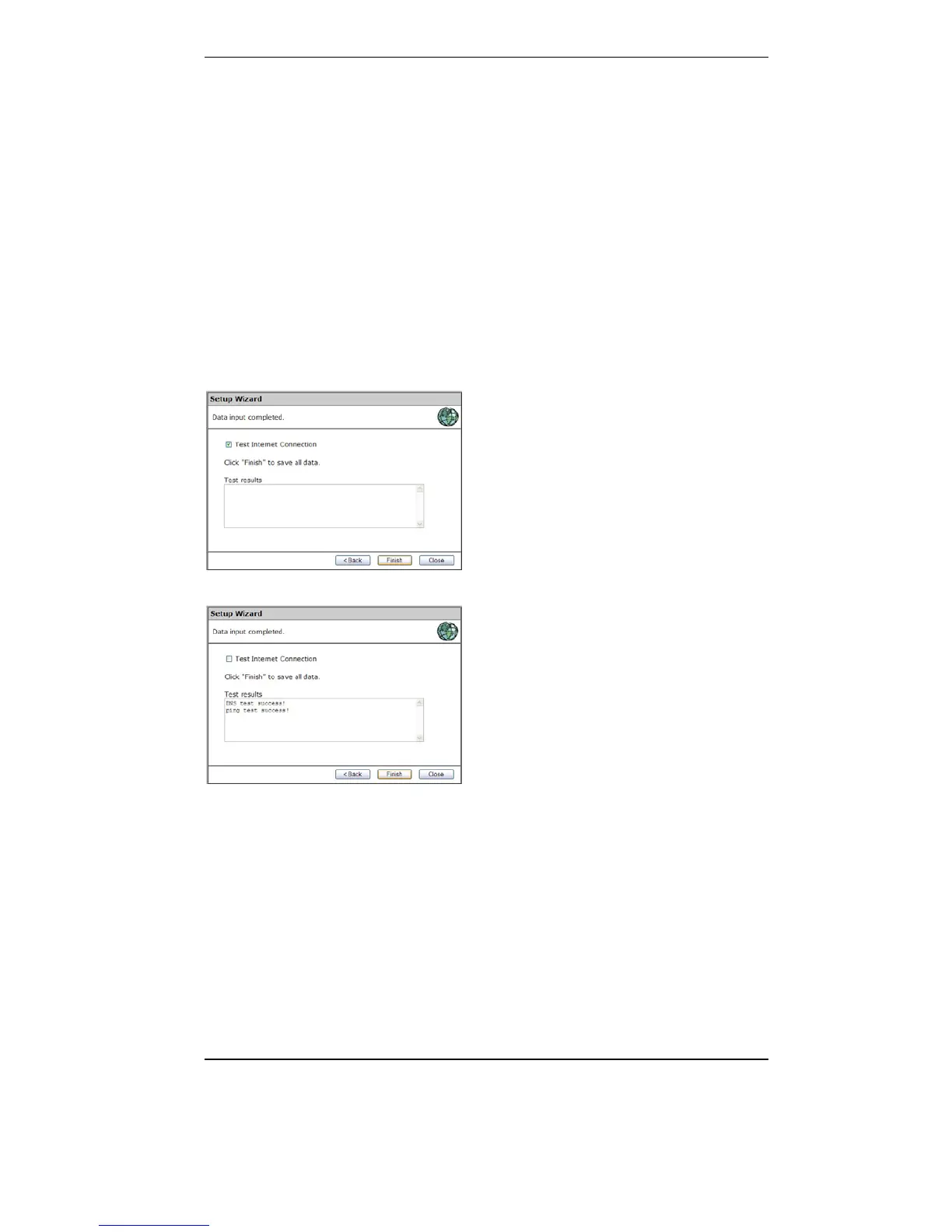
7. Click finish to complete the configuration. Click on Close. If Test
Internet Connection is ticked, the router will test the connection after
you have clicked on finish. Wait until this test has been completed
before you click on close. The configuration is now completed.
8. Check the testresults to see if the internet connection is succesfull.



 To Next Page