Page 16 901-F3M Issue A www.skcltd.com
Programming the Flite 3 Pump
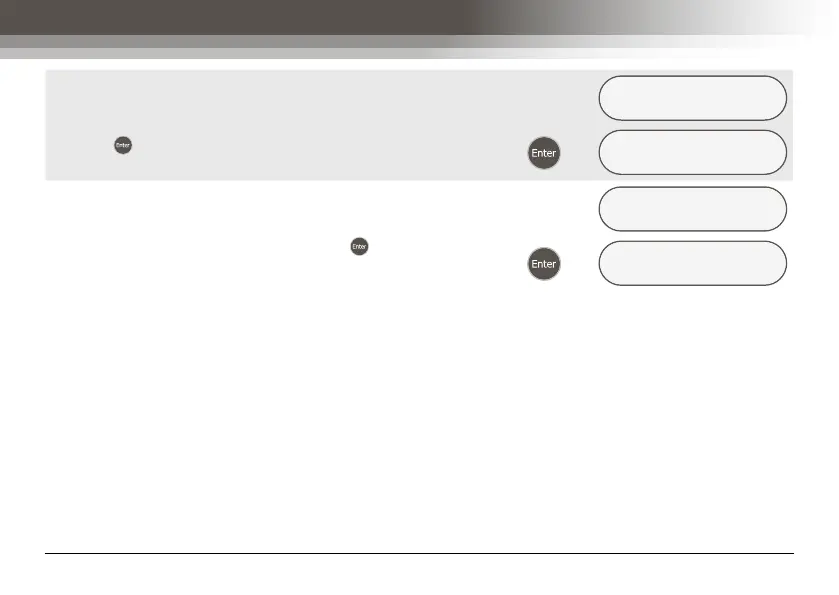
If the sample is to be carried out at a later time, put the
pump into Sleep mode by selecting the ‘NO’ option and
pressing .
START NOW ?
yes/NO/escape
Æ
SAMPLING PUMP
SLEEPING
When ‘MANUAL’ mode is selected, the ‘START NOW ?’
menu screen includes the menu option ‘ESCAPE’. Selecting
the ‘ESCAPE’ menu option and pressing displays the
‘RUN PARAMETER’ menu screen.
START NOW ?
yes/no/ESCAPE
Æ
RUN PARAMETER
MANUAL/time/exit



 To Next Page