Page 8 901-F3M Issue A www.skcltd.com
Getting Started
3) Use of the Keypad and LCD Screen
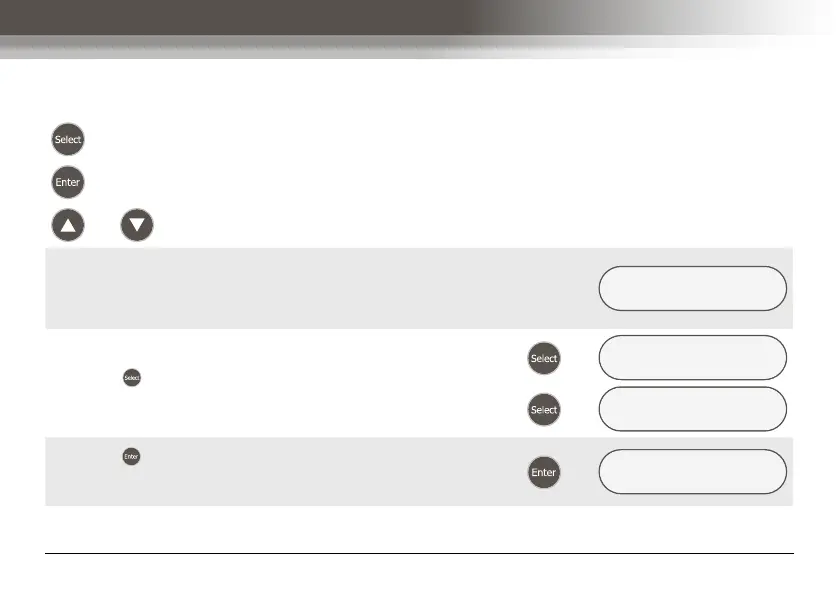
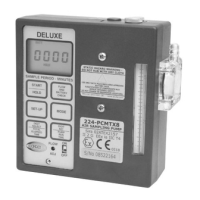
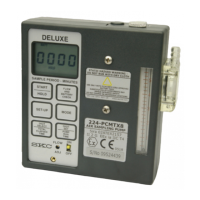
Key functions -
- Switches between menu options and selects digits to adjust when entering times.
- Enters the selected menu option or run time.
and - Used to enter the sample run times and set the pump flow rate.
The available options for each menu item are displayed on
the bottom line of the LCD screen. The currently selected
option is indicated in capitals, with the remaining options in
lower case as shown.
SET UP NOW ?
YES/no
Press the key to scroll through the available options as
shown.
Æ
SET UP NOW ?
yes/NO
Æ
SET UP NOW ?
YES/no
Press the key to accept the selected menu option. The
next menu screen will be shown on the LCD screen as
shown.
Æ
SET FLOW NOW ?
YES/no



 To Next Page