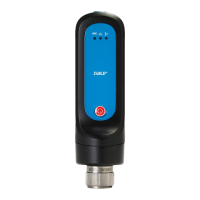
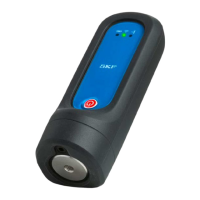
QuickCollect 4 - 7
User Manual
Taking Measurements
To connect to a sensor and obtain measurement data:
IMPORTANT! Your phone’s Bluetooth function must be on to communicate with a
QuickCollect sensor.
Navigate to the Devices table by tapping Connect to a sensor in the middle of the
home screen or the devices icon in the top left of the screen.
Figure 4 – 7.
Navigating to the Devices table from the home screen.
The names of the available QuickCollect sensors will appear in the Devices table with
their signal strengths indicated to the right.
Tap to select the desired sensor.
If your device’s Bluetooth feature is not on, you will receive a prompt
to turn it on. Tap Settings to navigate to your device’s Settings for
this purpose.


 To Next Page