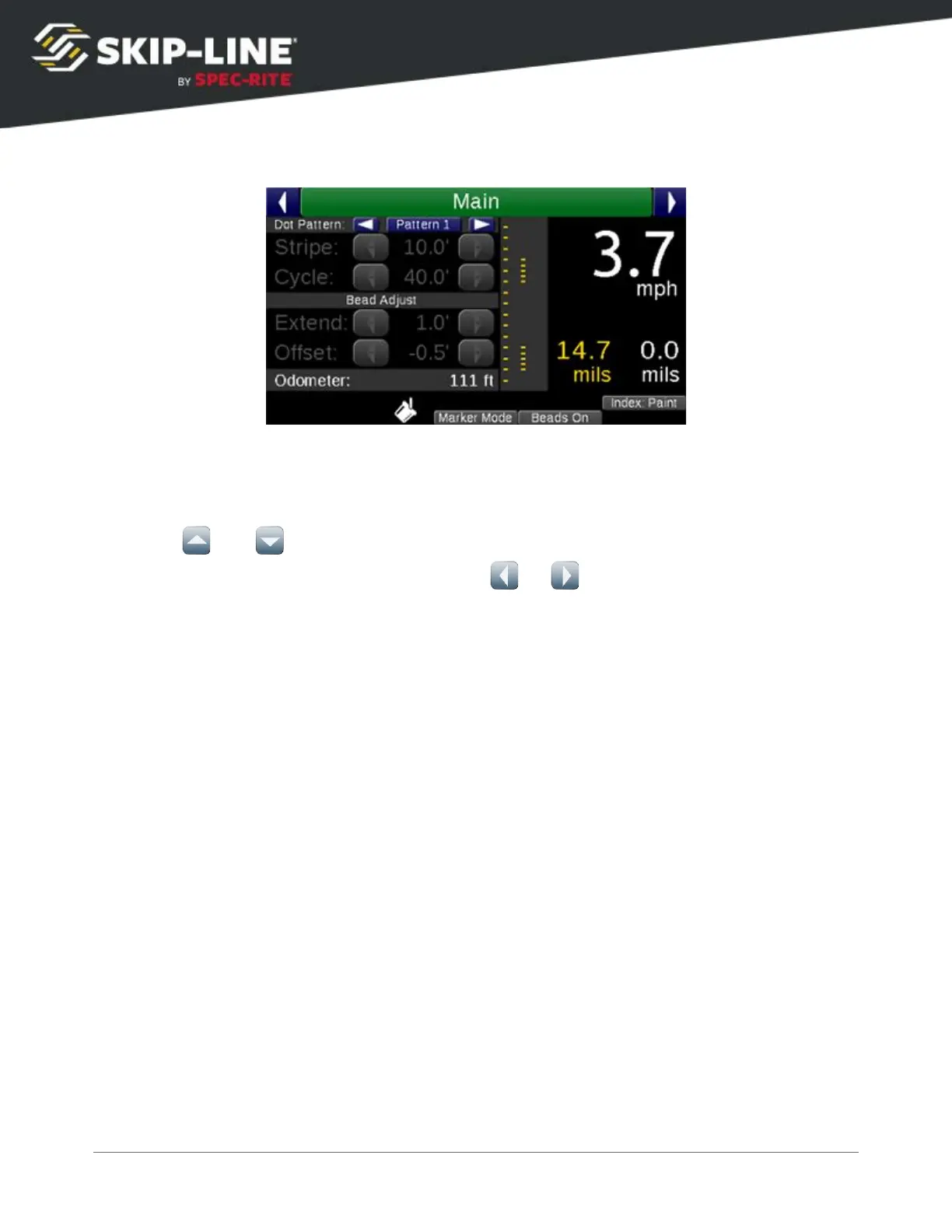
Create the desired pattern by setting the distance between markers in the Skip
and Solid pattern sub-menus.
➢
Use and to scroll between function buttons and the marker positions.
➢
When highlighting a marker position, use or to increase or decrease the
distance between the last marker and this marker.
➢
The pattern will end on the first 0.0' marker position after Indent.
➢
Clear All
: Clears all marker positions. Only the first marker will be present.
➢
Equidistant
: Allows you to set the distance of the Stripe or Cycle, and the number of
dots desired in that distance. The dots will be separated equally across the entered
distance.
SC-12 Road Marking Control System - Installation and Operation Manual
40



 To Next Page