GB 9
7. The OSD menu - channels
1.1.5 Edit
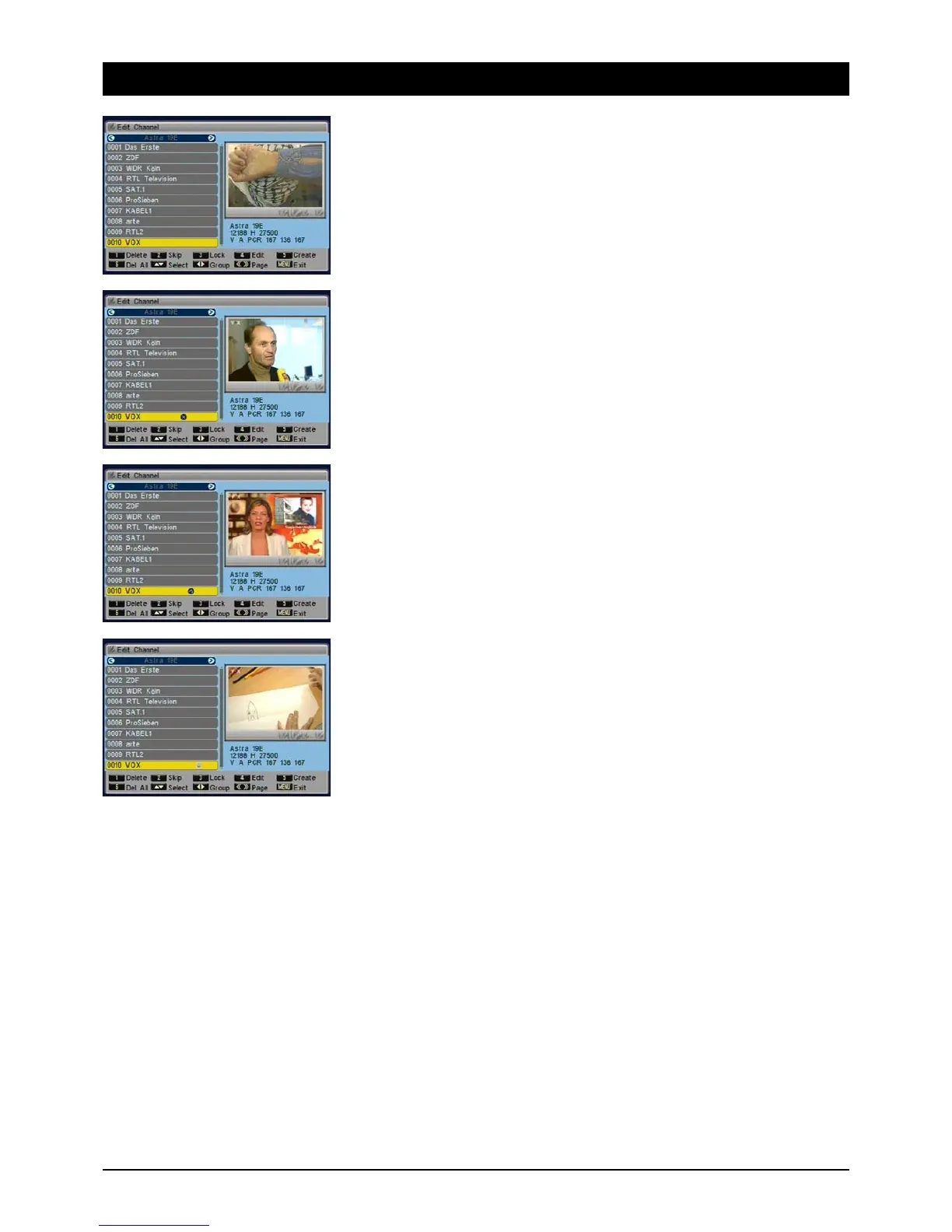
To edit available TV and radio channels, i.e. delete, rename, block and more besides.
1.1.5.1 Delete
Use the [1] button to highlight the channels you would like to delete. After quitting the menu a
prompt for confirmation appears, asking if really want to delete all the channels selected.
Note: by pressing the [1] button again you can undo the selection.
1.1.5.2 Skip
You can skip channels when channel surfing by pressing the [NAV] buttons. Highlight the relevant
channels with the [2] button. Note: you can continue to select these stations by entering the
channel number directly.
1.1.5.3 Block
You can block unauthorised access to individual channels, e.g. those with content unsuitable
for children. Access is then only possible by entering a password. Highlight the channels to be
blocked with the [3] button. Note: to activate channel blocking, you must switch it on in the
“Child Lock” menu.



 To Next Page