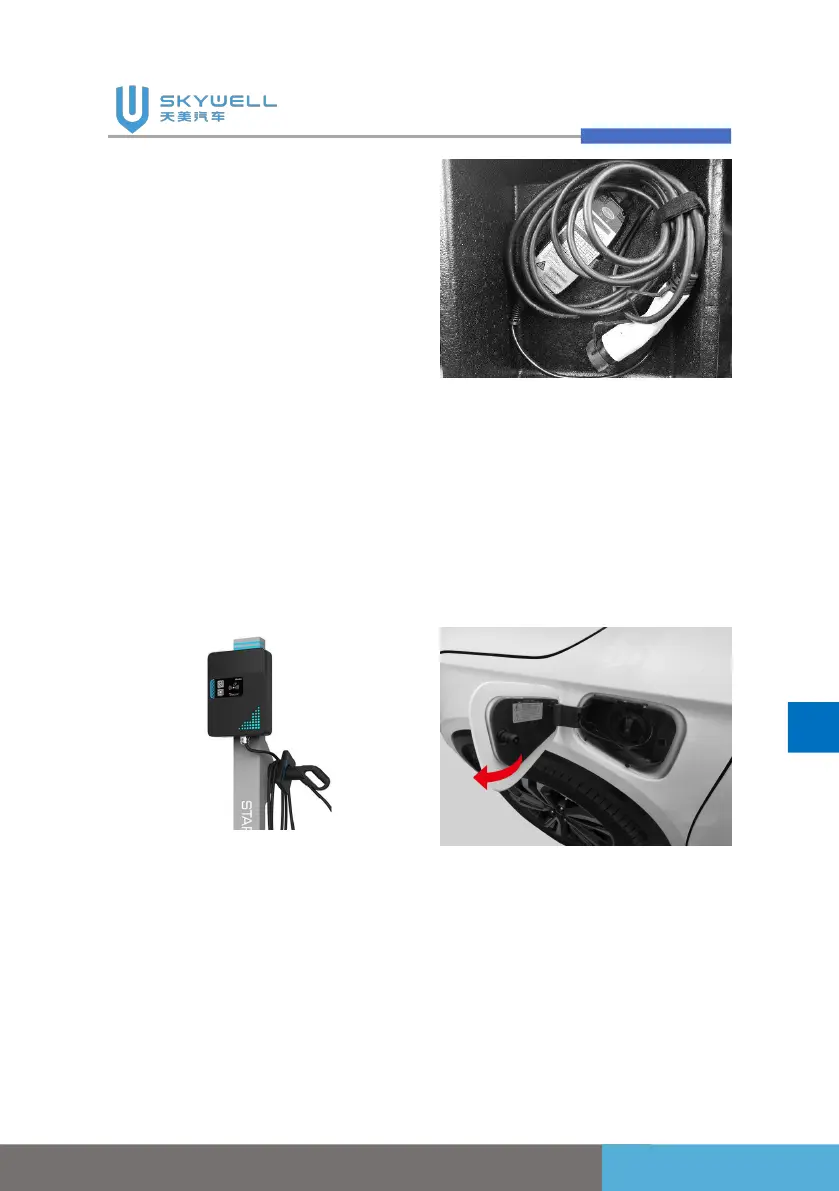
The charging equipment is
not scratched, rusted, cracked,
or the vehicle plug, cable,
control box, wire, and power
plug surface are not damaged;
if the charging equipment or
the charging connection device
surface is damaged, rusted,
cracked or the connection is
too loose , do not charge;
When the power plug or
vehicle plug is dirty or wet,
wipe the plug with a dry and
clean cloth to ensure that the
charging plug is dry and clean.
3. Take out the charging
connection device and
correctly connect it to the
charging port of the
charging pile.
4. Press the AC charging port
cover on the left wing to
open the charging port
cover, open the charging
port protection cover, and
confirm that the vehicle
charging port is normal.



 To Next Page