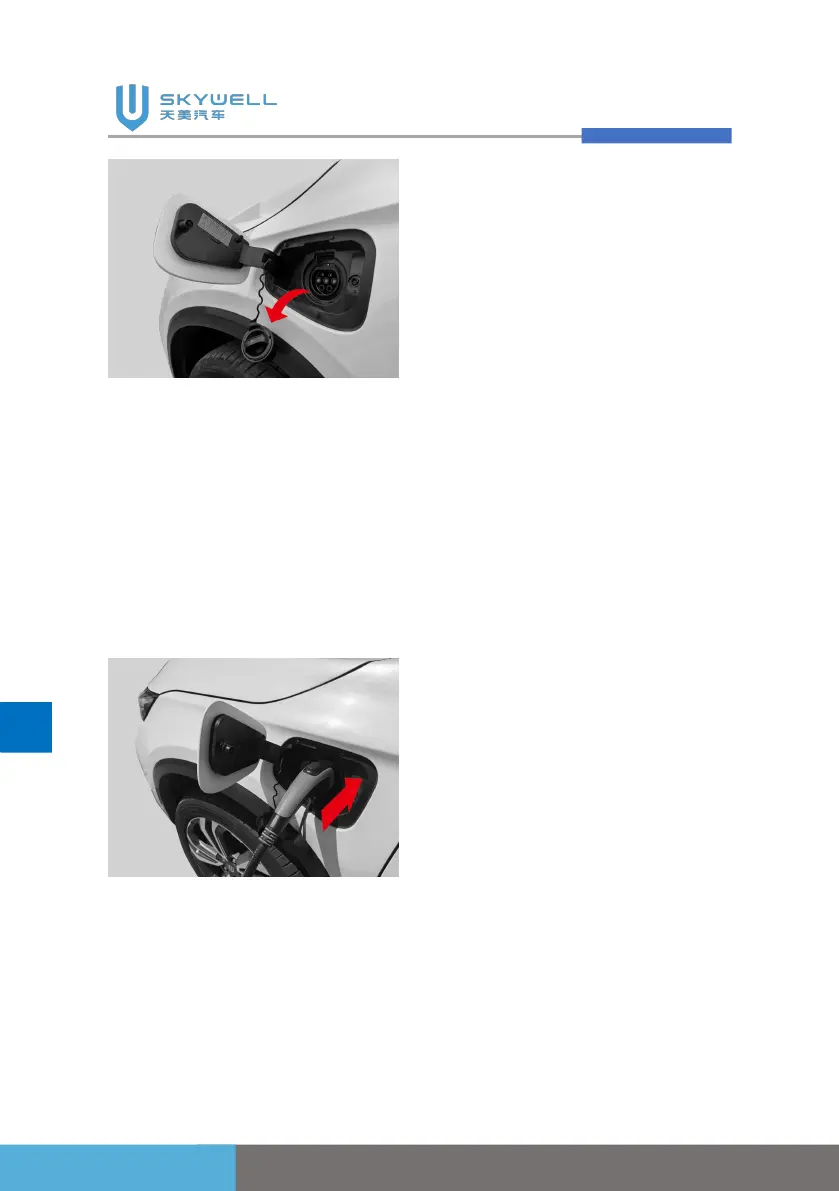
5. Correctly connect the
charging gun to the
charging port until you hear
a "click" sound to lock the
charging gun, and the
charging connection
indicator on the instrument
cluster assy will light up.
Charging pile indicator status
1. Steady green light: waiting
for charging , charging to
complete;
2. Yellow light:Start charging;
3. Flashing green light:
charging;
4. Steady red light: charging
pile malfunction.
Charging port electronic lock
unlocking method
1. After unlocking the
anti-theft with the key,
press the unlock switch on
the charging gun to unlock
the electronic lock to
unplug the charging gun;
2. After the vehicle is fully
charged with AC charging,
the electronic lock is
automatically unlocked.
Press the unlock switch on
the charging gun to unplug
the charging gun.
Stop charging
1. Make sure the charging
port electronic lock is
unlocked.
2. Press the lock release
button on the charging gun
and pull out the charging
gun, the charging



 To Next Page