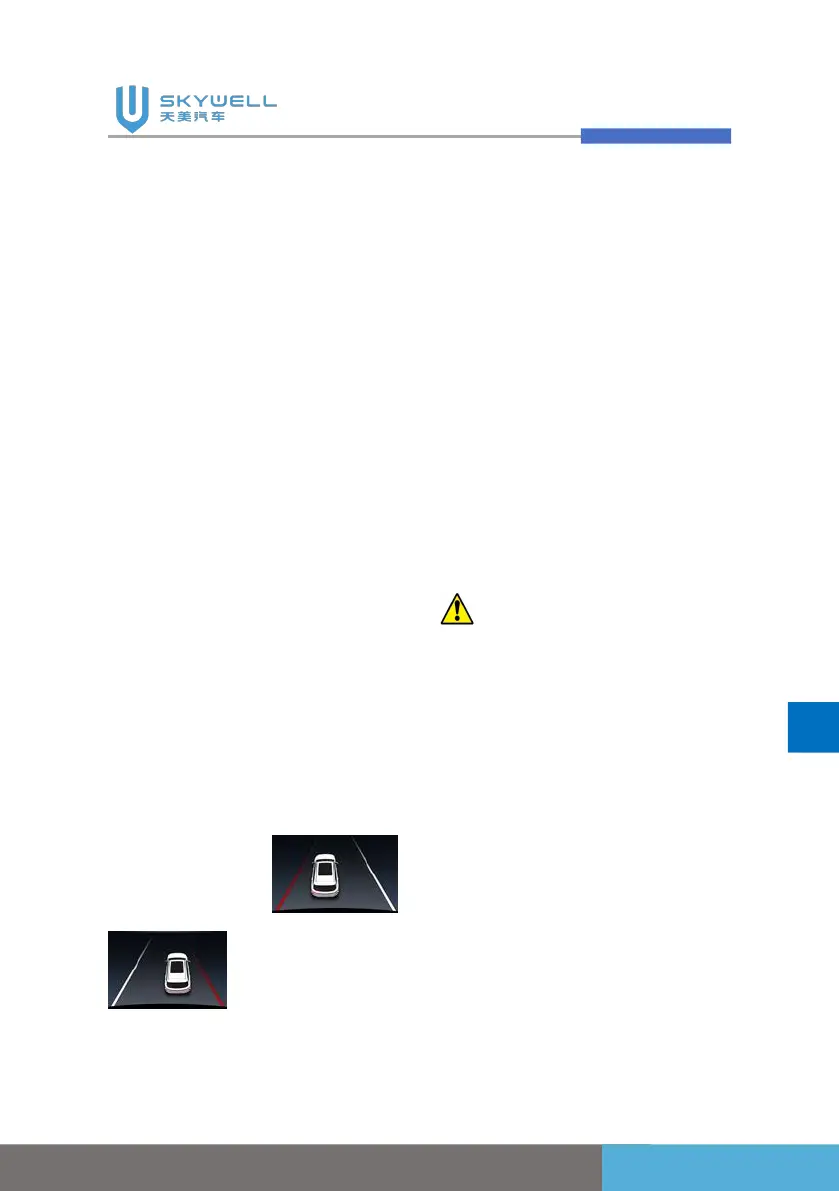
Lane departure warning
system activation method:
The “Lane departure warning
system ” function switch is
turned on. When 60km/h <
vehicle speed < 150km/h, the
function icon is green and the
instrument displays the LDW
graphical interface; when the
vehicle speed is less than
60km/h, the Lane departure
warning system enters the
standby state. Its function icon
is white.
When the vehicle departure
warning system is turned on,
the lane line is clearly
identifiable, and the system
detects that the vehicle is
about to press to the left/right
side line, the lane line will
become red with an alarm
tone.
If the turn signal or double
flashing is turned on when the
vehicle is pressing the line, the
system will not alarm. After the
turn signal is turned off and the
vehicle returns to the lane, the
system is automatically
activated.
Lane departure warning
system function OFF:
Turn off the "Vehicle Control"
-> "Assisted Driving" -> "Lane
Departure Warning System"
switch in the centre console.
Caution:
1. The marking lines collected
by the LDW system are
standard on the road: white
solid line, white dashed line,
yellow solid line, yellow
dashed line, double solid
line, uniformly displayed as
a single solid line, and no
classification is performed
on the display;
2. When passing curves and
narrow roads, the LDW



 To Next Page