4.1 Video Settings
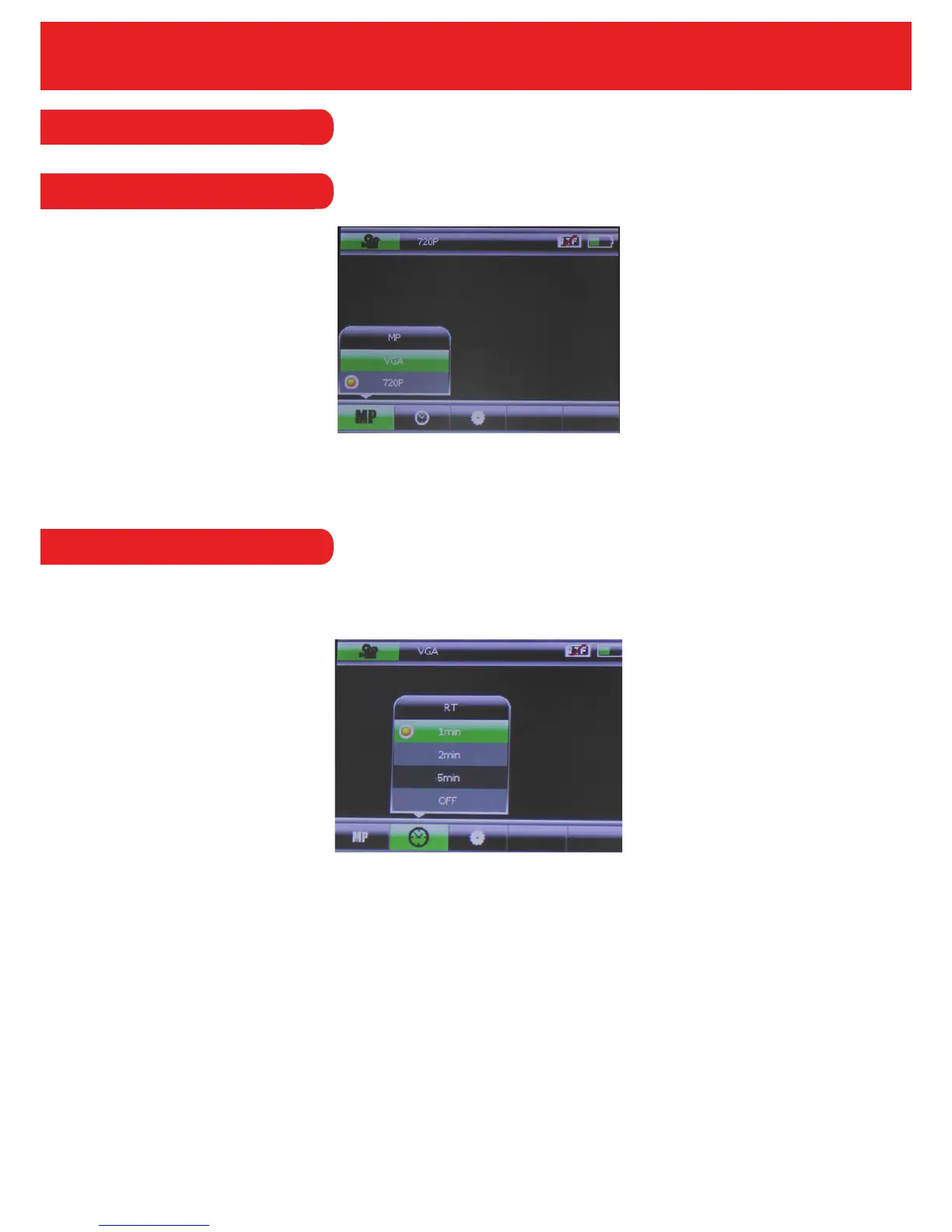
The resolution option allows you to set the resolution of the recorded video.
The Smart-I Duo has 2 resolution options HD 720P and VGA.
4.1.1 Resolution
4.1.2 Recording Time
15
The Recording Time option allows you to set the length of the recorded video. So, if the recorder
has been set to 1 minute, it will record a minute file and will start again for another minute and so
on.
The options for the length of video are; 1 minute, 2 minutes, 5 minutes or OFF. If the set to ‘OFF’
then the recorder will use the default recording time.


 To Next Page